116
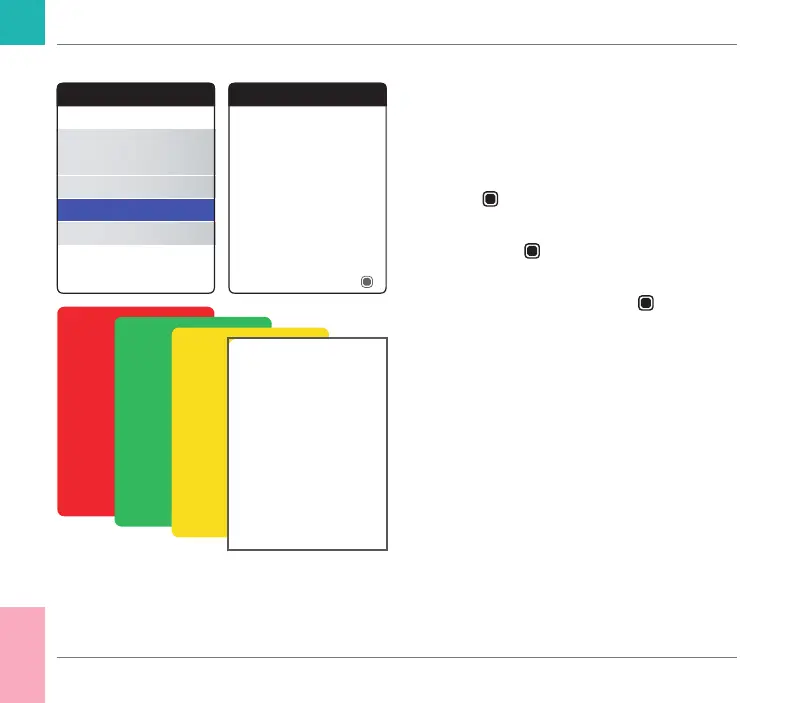
Display Test
The Display Test lets you check the meter’s
screen for proper functioning. If you suspect
the screen (or parts of it) is defective, perform
this display test.
1 Select Display Test and press the Enter
button
to proceed.
2 Read the information screen and press the
Enter button
to proceed.
3 Proceed through the following screens
by pressing the Enter button
, while
inspecting each one for defective pixels or
other defects.
If all screens appear awlessly, your display is
functioning properly.
If the display is not functioning properly, do
not perform further tests and contact your
local Roche Diagnostics customer support.
Other
About
Clear Memory
Meter Log
Display Test
Firmware Update
Display Test
OK
Display test. Go through the
four colored screens with OK.
Other Functions and Troubleshooting
CoaguChek INRange User’s Manual



 To Next Page