72
Reports overview
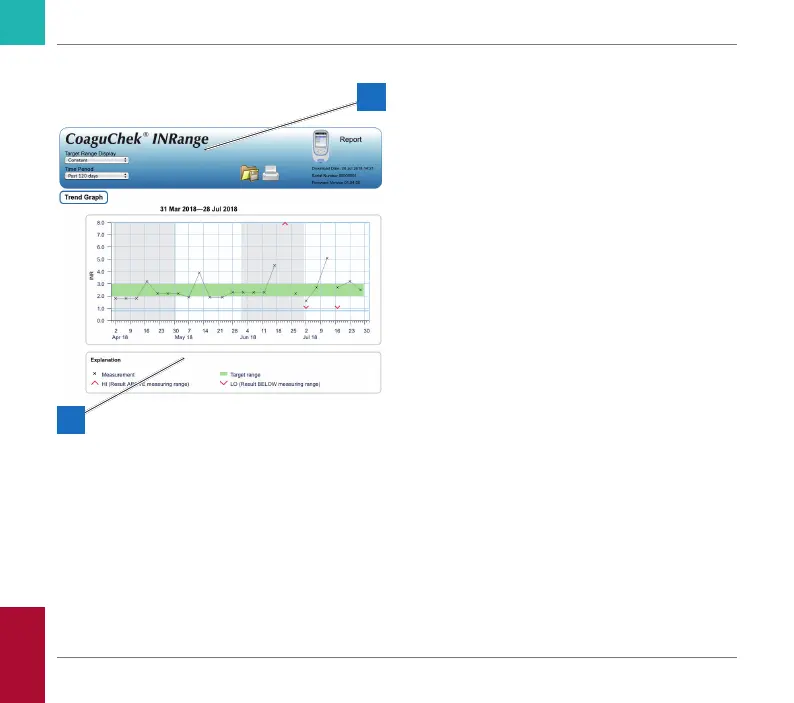
A report displayed in your Internet browser
contains the following elements:
A Report Header
Displays information about the meter
(like serial number, software version etc.),
allows you to set the Time Period for
statistics and the Target Range Display,
and contains buttons for printing and
saving the report to le.
B Report Content
The page body contains the Trend Graph,
the Target Graph, and a chronological list
of Results.
Language, preferred units, and your personal
target range will be displayed as set in the
meter. The target range is only available if
you have selected the unit INR in the meter
settings.
A
B
Reviewing and Handling Data
CoaguChek INRange User’s Manual



 To Next Page