70
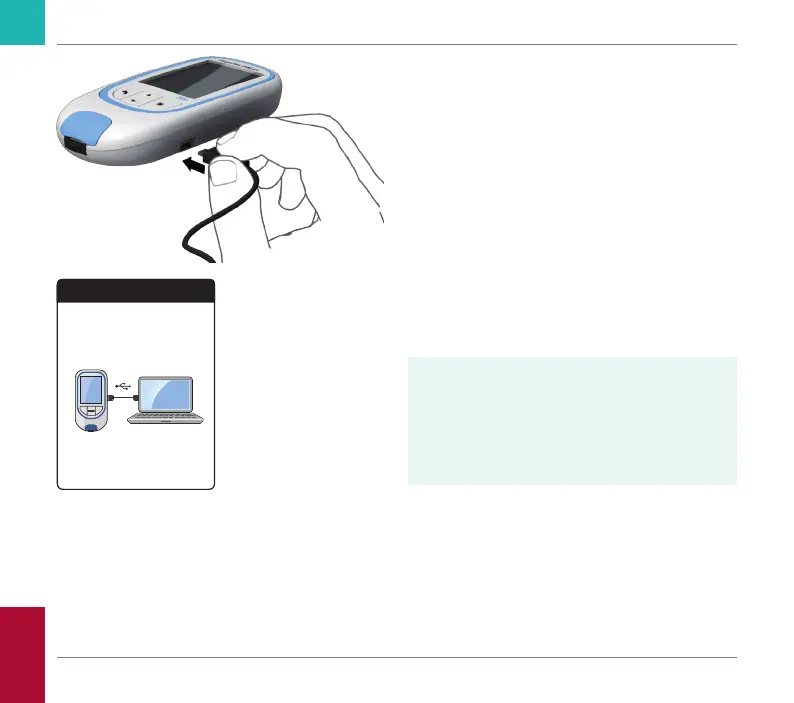
5 Connect the meter to the computer via
USB cable.
The display shows “Connected” when the
connection has been established.
6 Open a window on your computer that
displays the contents of the meter (as a
removable disk drive).
7 Double click on START.HTM to open the
le in your standard Internet browser.
8 After you have nished using the embed-
ded reports, unplug the USB cable from
the meter and the computer.
When the meter is connected to a com-
puter, it will not be powered via the USB
cable and will not power off automatically.
To save battery power always remove the
USB cable when the connection is no
longer in use.
Reports
Connected
Reviewing and Handling Data
CoaguChek INRange User’s Manual



 To Next Page