Chapter 5: Maintenance and troubleshooting
98-148232-E Troubleshooting 106
LED
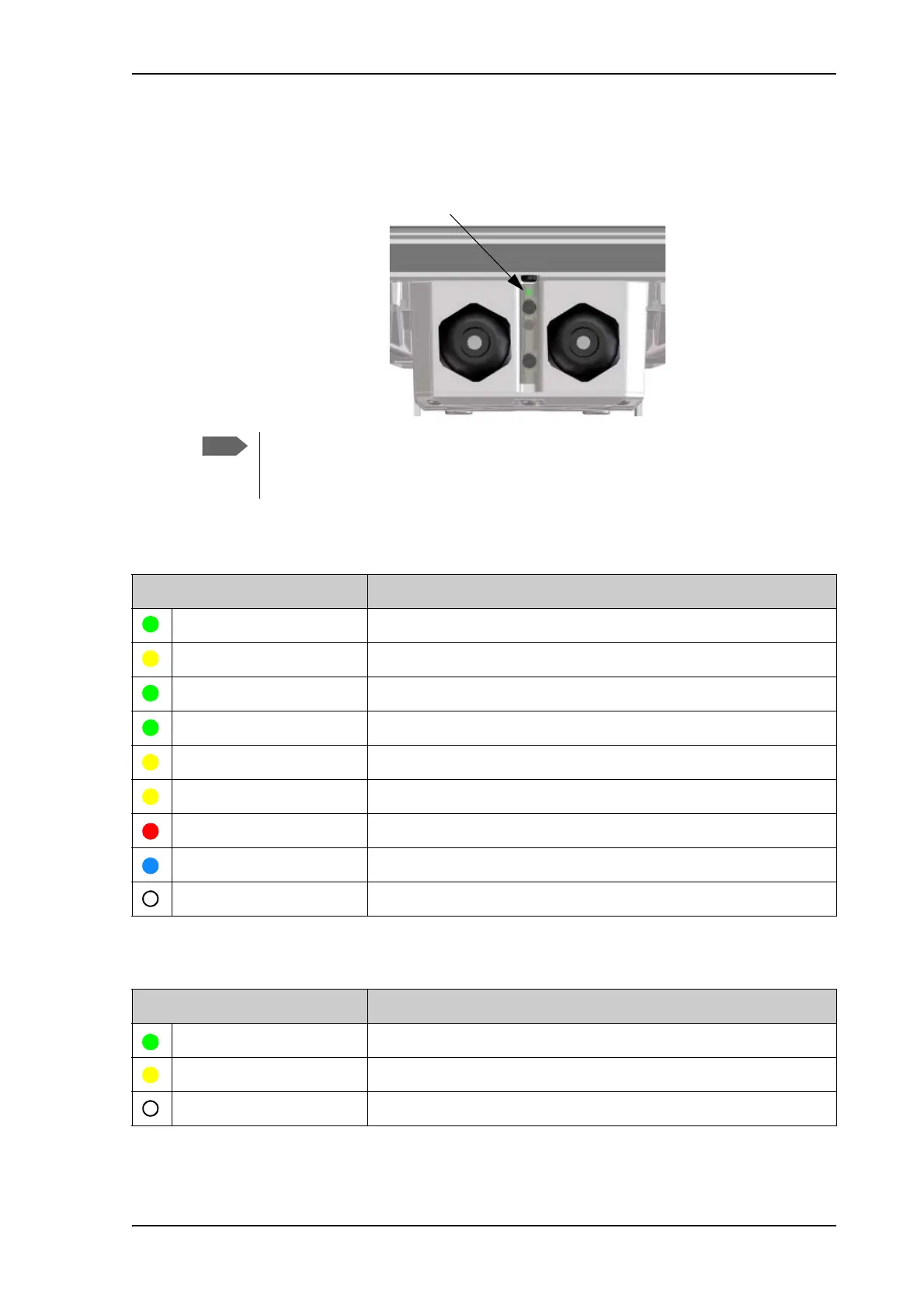
The EXPLORER 540 has one LED showing status before and during installation. The Status LED
is located between the two cable glands.
LED light pattern before installation
LED light pattern after installation
The LED is only in use until installation is completed, and is automatically disabled
10 minutes after the connection is established. After this, the LED is only active during
reboot of the EXPLORER 540 or if you restart the installation process.
Light pattern Meaning
Green flashing rapidly Starting up.
Yellow flashing BGAN pointing.
Green flashing Verify network connectivity.
Green constant Ready.
Yellow flashing rapidly Closing down.
Yellow constant Warning (user recoverable). See web interface for the warning text.
Red constant Error. See the web interface.
Blue flashing Uploading software to the terminal.
Off Power off.
Light pattern Meaning
Green flashing rapidly Starting up.
Yellow flashing rapidly Closing down.
Off Power off or normal function after installation is completed.



 To Next Page