e-mark create marking device Chapter 4 Initial operation
CODI Standard 1.0 26/60
Operating and Maintenance Manual
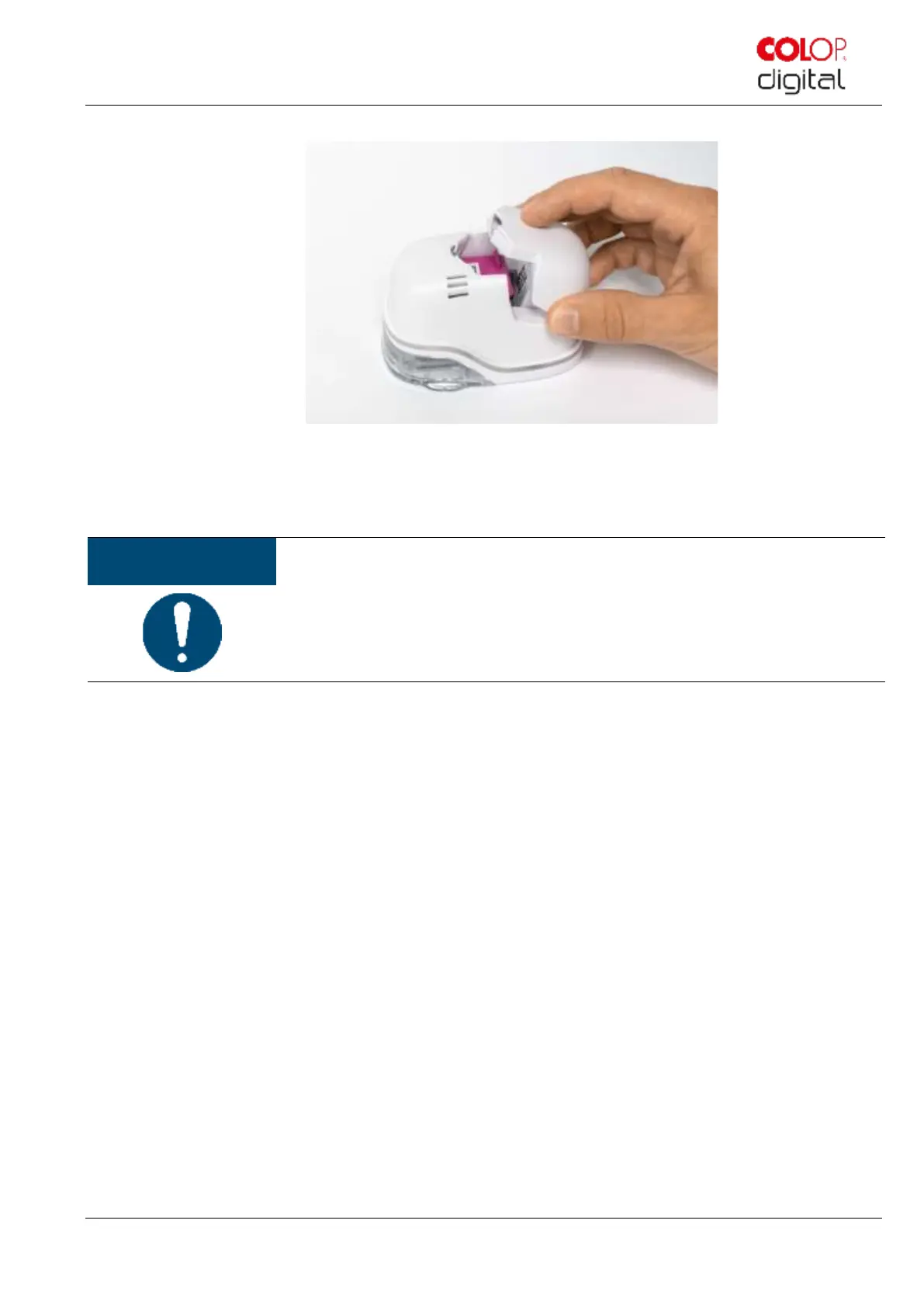
Fig. 14: Insert battery
14. Close cover.
15. ALWAYS place the e-mark create in the docking station.
ALWAYS place the e-mark create in the docking station after use.
Otherwise, the ink cartridge head dries out, affecting print quality.
If the e-mark create is not placed in the docking station immediately:
- switched on: a warning signal sounds (return to docking station!)
- switched off: NO warning signal sounds
Download and run the app, see below.
A QR code and link to the app download are provided on the Quick Setup Guide.
Set up the WIFI connection, see below.
Performance test:
1. Is the battery properly inserted and can the battery be charged with the power adapter?
2. Does the LED light work (colour code see chapter 5.3)?
SSID and password for establishing the WIFI connection are displayed on the Quick Setup Guide and
are saved as image on the e-mark create
3. Does the print function work?
4. Make a test imprint (see chapter 5.2)



 To Next Page