e-mark create marking device Chapter 5 Operation
CODI Standard 1.0 33/60
Operating and Maintenance Manual
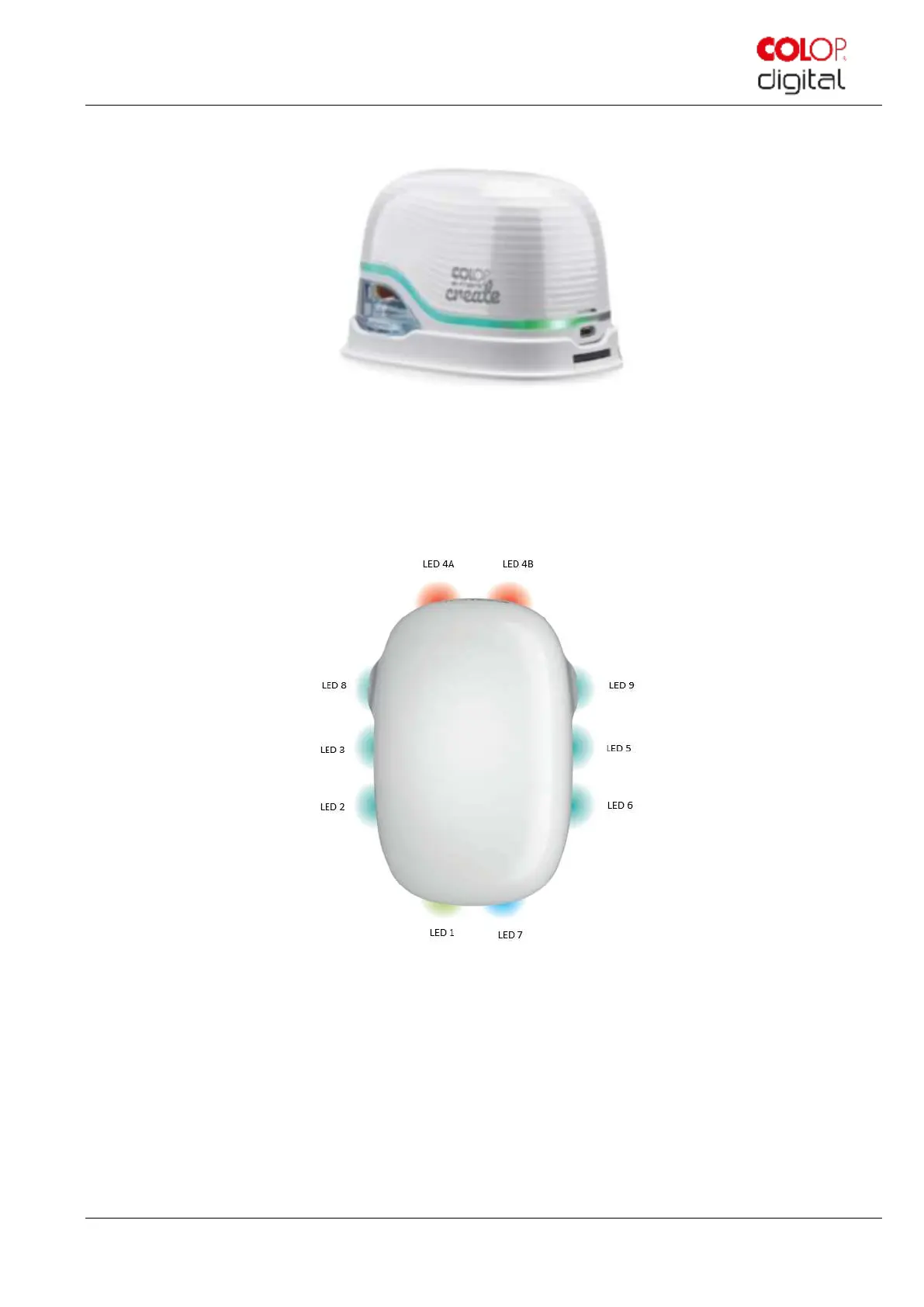
5.3 Light Guide and symbols
Fig. 22: Light Guide
Light Guide: Direction of the RGB LEDs and white bright light LEDs
Fig. 23: Light Guide directions
The colour LEDs 1 to 7 (right angle RGB LEDs) on the Light Guide indicate the e-mark create operating modes
depending on the colour, light position and light pattern (Fig. 24)
The white bright light LEDs 8 and 9 indicate the movement direction and light up through the viewing window rather
than the Light Guide.
Light Guide and signal tone table:
Colour code, flashing code, direction code and signal tones



 To Next Page