e-mark create marking device Chapter 4 Initial operation
CODI Standard 1.0 27/60
Operating and Maintenance Manual
4.3 Software
Download the app and install on the mobile device or PC, see chapter 5.6.
https://getemarkcreateapp.colop.com/
4.4 WIFI connection
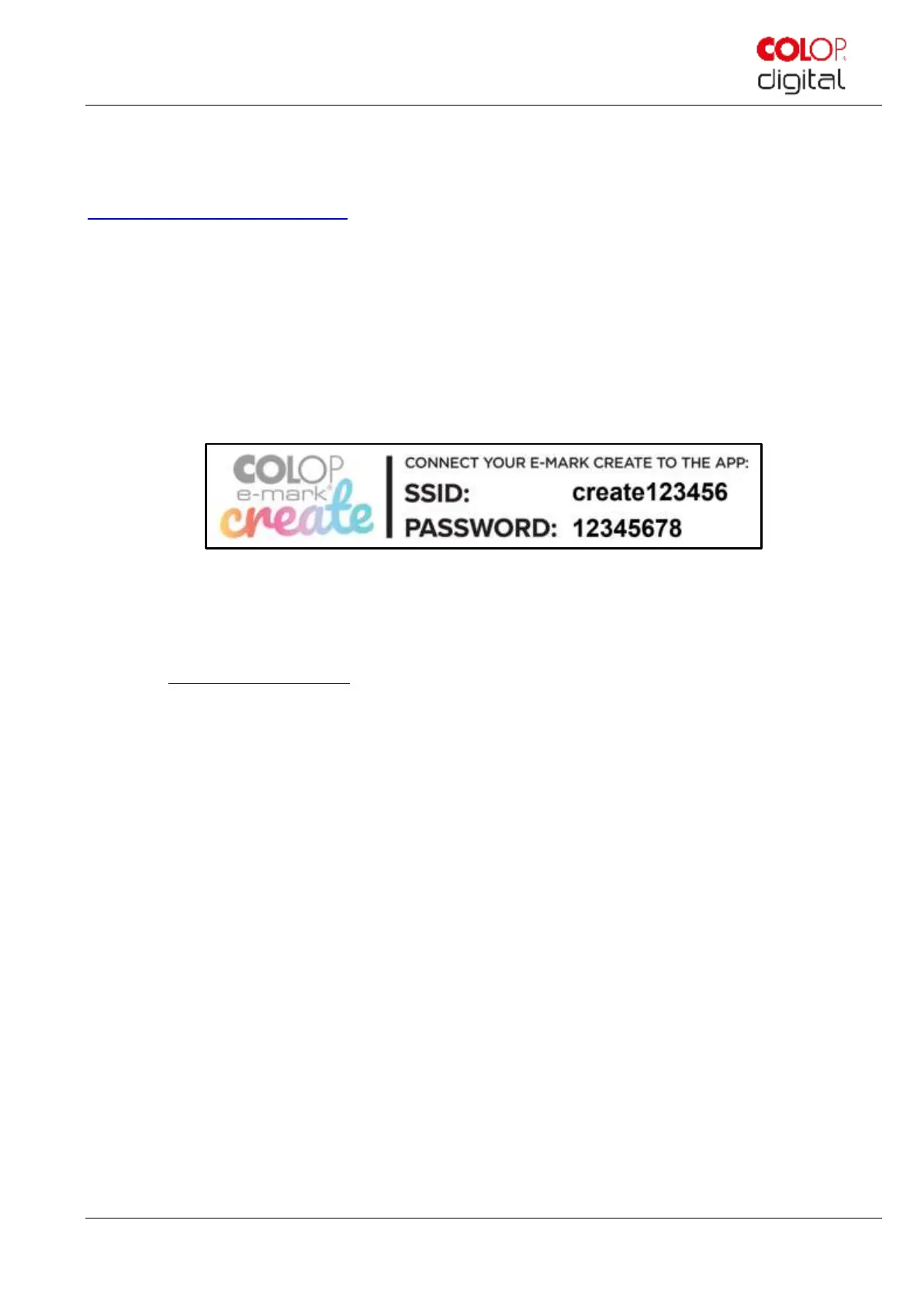
Setting up the connection between your device and the app starts with entering SSID and password.
The SSID and password (Fig. 16) are automatically saved as an image on the e-mark create and can be found in
the Quick Setup Guide (remember the password or save it in a secure location. The password can be
changed in the software).
Fig. 15: Example test imprint with SSID and password
If you are having trouble in setting up a connection, refer to the troubleshooting chapter (see chapter 6.4) or visit our
homepage and see the FAQ (Frequently Asked Questions).
Homepage www.emark.colop.com/faq



 To Next Page