e-mark create marking device Chapter 6 Maintenance
CODI Standard 1.0 45/60
Operating and Maintenance Manual
6 MAINTENANCE
The following sections describe the tasks required for maintenance purposes.
Inspection:
An inspection is required to ensure proper maintenance is carried out on the device. For more details on visual
inspection and performance inspection at initial start-up, see chapter 4.
Product cleanliness (general condition, damage, contamination)
Check the e-mark create housing, docking station, charger and cable, LED light bar, contacts and battery for
any obvious signs of damage or excessive dirt etc.
If any damage is detected, stop using the product. If damaged, please contact your distributor.
6.1 Charging the battery
Check the charge indicator light on the LED Light Guide (see chapter 5.3):
- The rear LEDs flash red when battery charge is lower than 10%
The battery must not be deep discharged. This may cause damage. Fully
charge the battery before an extended downtime period.
Proceed as follows to charge the device battery:
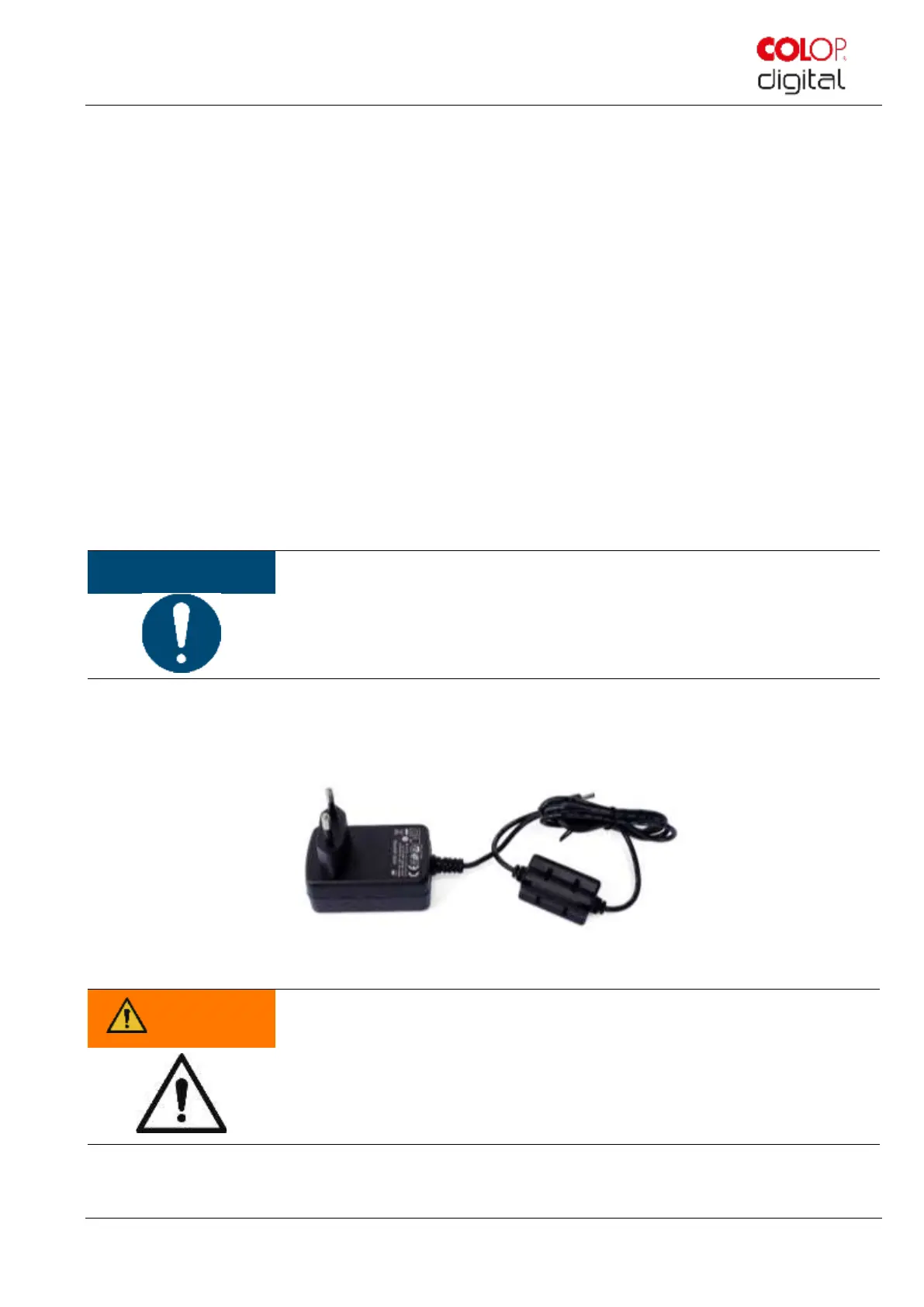
1. Remove the charging cable from the packaging and unwind.
Fig. 37: Power plug
Hazard from rechargeable batteries (short-circuit, overheating, fire).
Only use charging systems as recommended by the manufacturer. The battery must
not be deep discharged!
The battery must not be short-circuited. Fire risk!
2. Connect the charging cable to the docking station.
3. The marking device must be placed in the docking station.



 To Next Page