e-mark create marking device Chapter 5 Operation
CODI Standard 1.0 39/60
Operating and Maintenance Manual
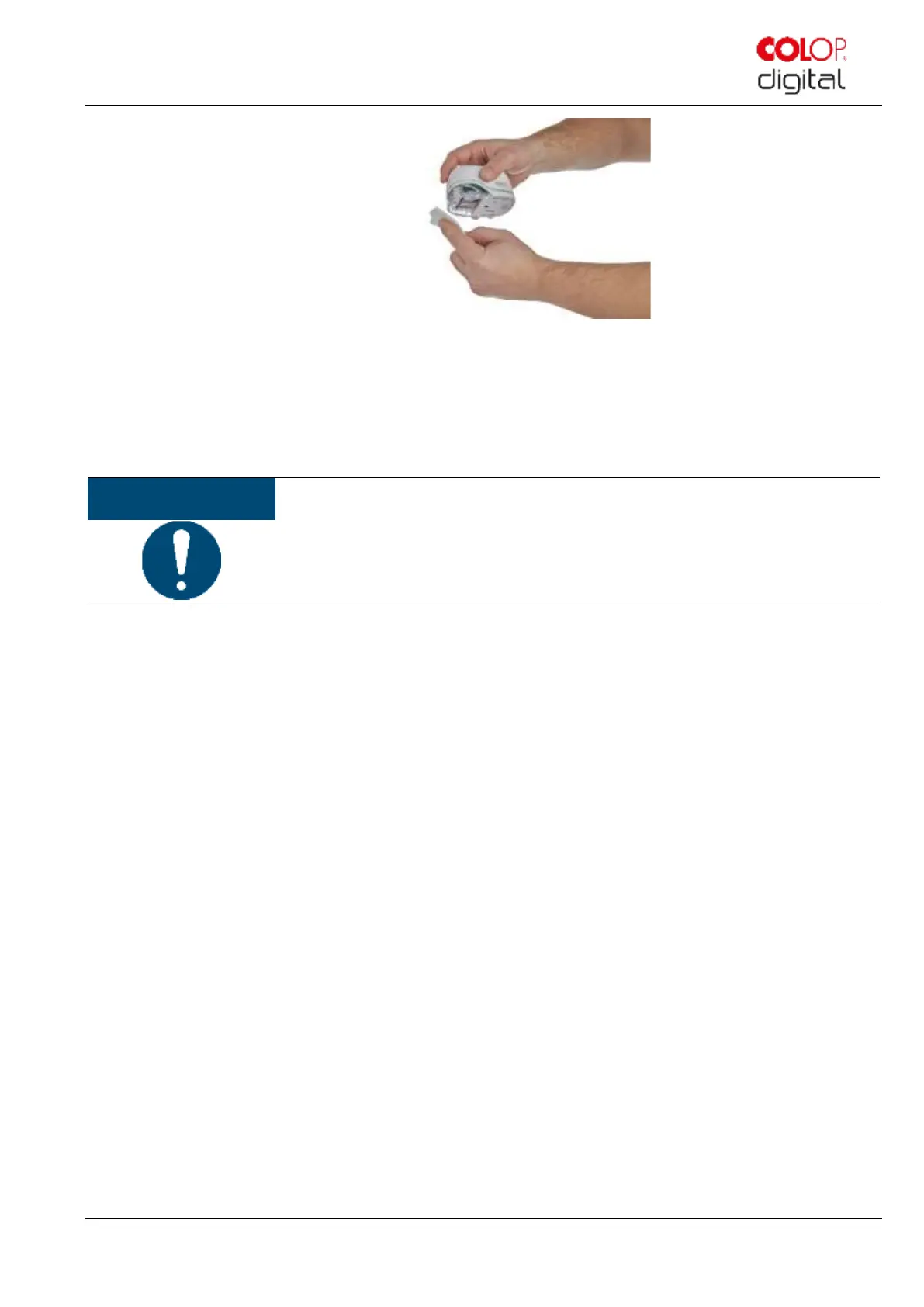
Fig. 28: Clean print head with damp cloth
5. Place the e-mark create on paper.
6. Press "Start quick cleaning" again in the app.
7. The e-mark create is now ready for use again. A test image can be printed to test the print quality.
Do NOT wipe the print head with the wiper again after the second self-cleaning cycle,
otherwise this will dry it out.



 To Next Page