e-mark marking device Chapter 4 Initial operation
CODI Standard 1.0 Page 26 of 61
Operating and Maintenance Manual
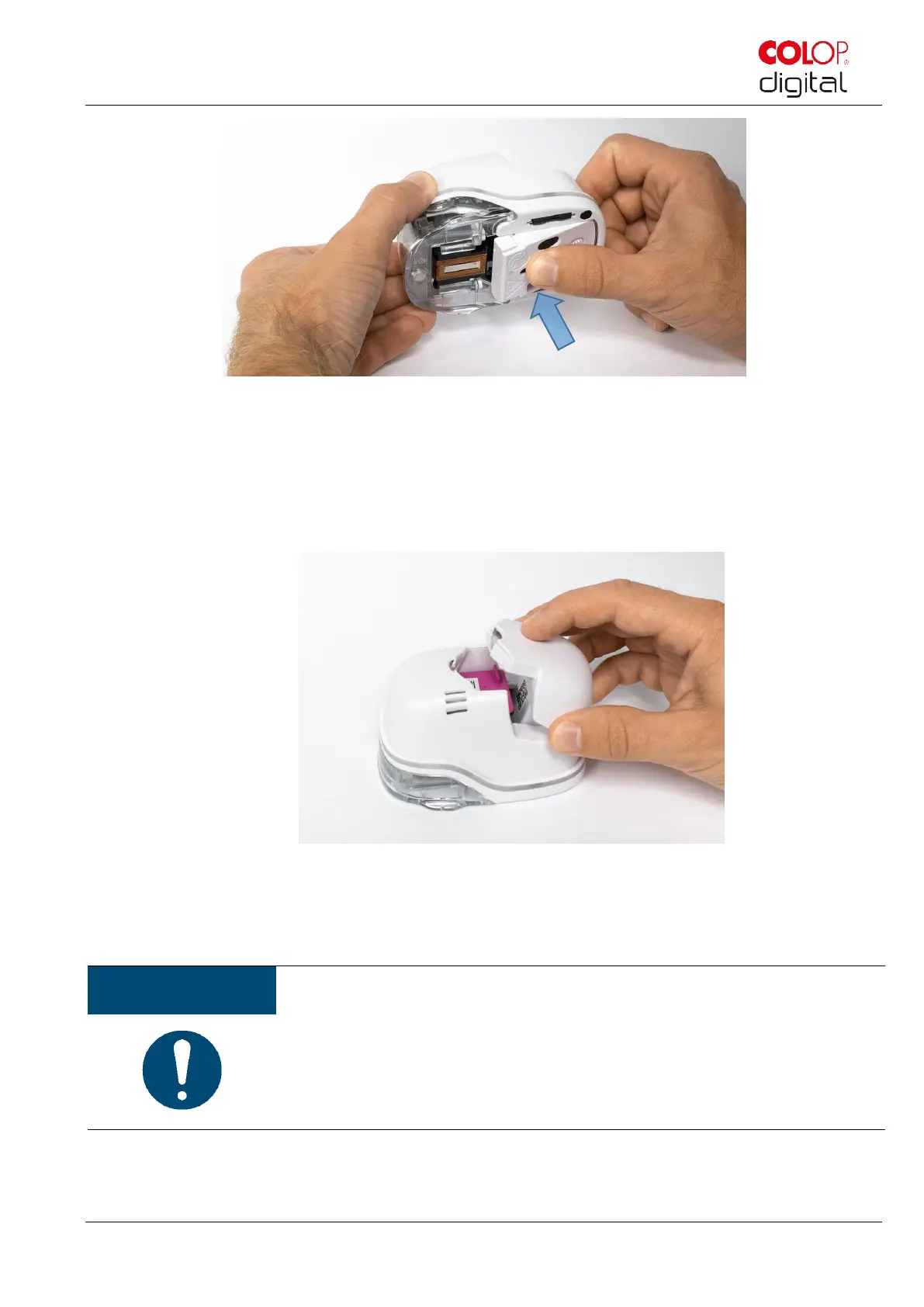
Fig. 14: Close lower flap cover
Insert battery
- Push towards the ink cartridge.
- Press the battery forward until the lever on the top snaps in.
Fig. 15: Insert battery
Close cover.
ALWAYS place the e-mark in the docking station.
ALWAYS place the e-mark in the docking station after use. Otherwise, the ink
cartridge head dries out, affecting print quality. A warning signal sounds if the
e-mark is switched on and not placed in the docking station immediately. Return
the e-mark to the docking station. If the e-mark is switched off, NO warning
signal sounds, but the e-mark should always be placed in the docking station
even if switched off.
Download and run the App, see below.
A QR code and link to the App-Download are provided on the Quick Setup Guide.



 To Next Page