e-mark marking device Chapter 5 Operation
CODI Standard 1.0 Page 30 of 61
Operating and Maintenance Manual
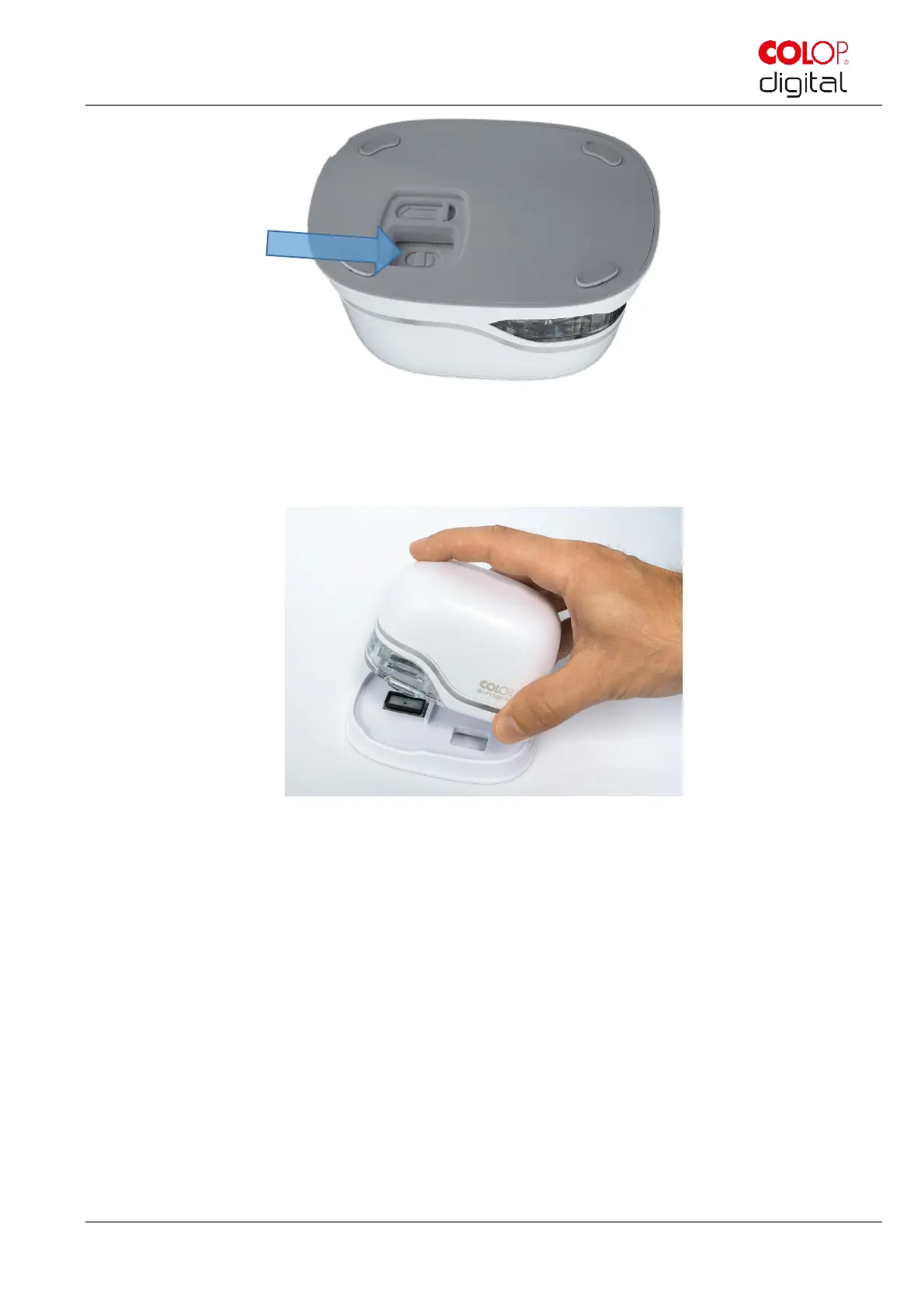
Fig. 17: On/off switch
Wait until the Light Guide indicates that marking can begin (back left green light on continuously).
Remove the e-mark from the docking station.
Fig. 18: Remove e-mark from the docking station
An automatic self-cleaning process starts when removed from the docking station (see chapter 5.4). Then
place the e-mark on the background to be marked.
Marking can be done from right to left or from left to right.
The e-mark automatically detects the direction of movement (indicated by a white LED to the right or left)
and starts printing. A signal sounds when printing is complete (end position reached).
Use the e-mark for marking as follows:
Position the e-mark with the lugs on the left edge of the selected printing area. The recesses in the
lugs indicate the middle of the printing area.
Move the e-mark slowly and in a straight line from left to right over the background. Optimum
printing speed is 10 cm per second.



 To Next Page