e-mark marking device Chapter 5 Operation
CODI Standard 1.0 Page 31 of 61
Operating and Maintenance Manual
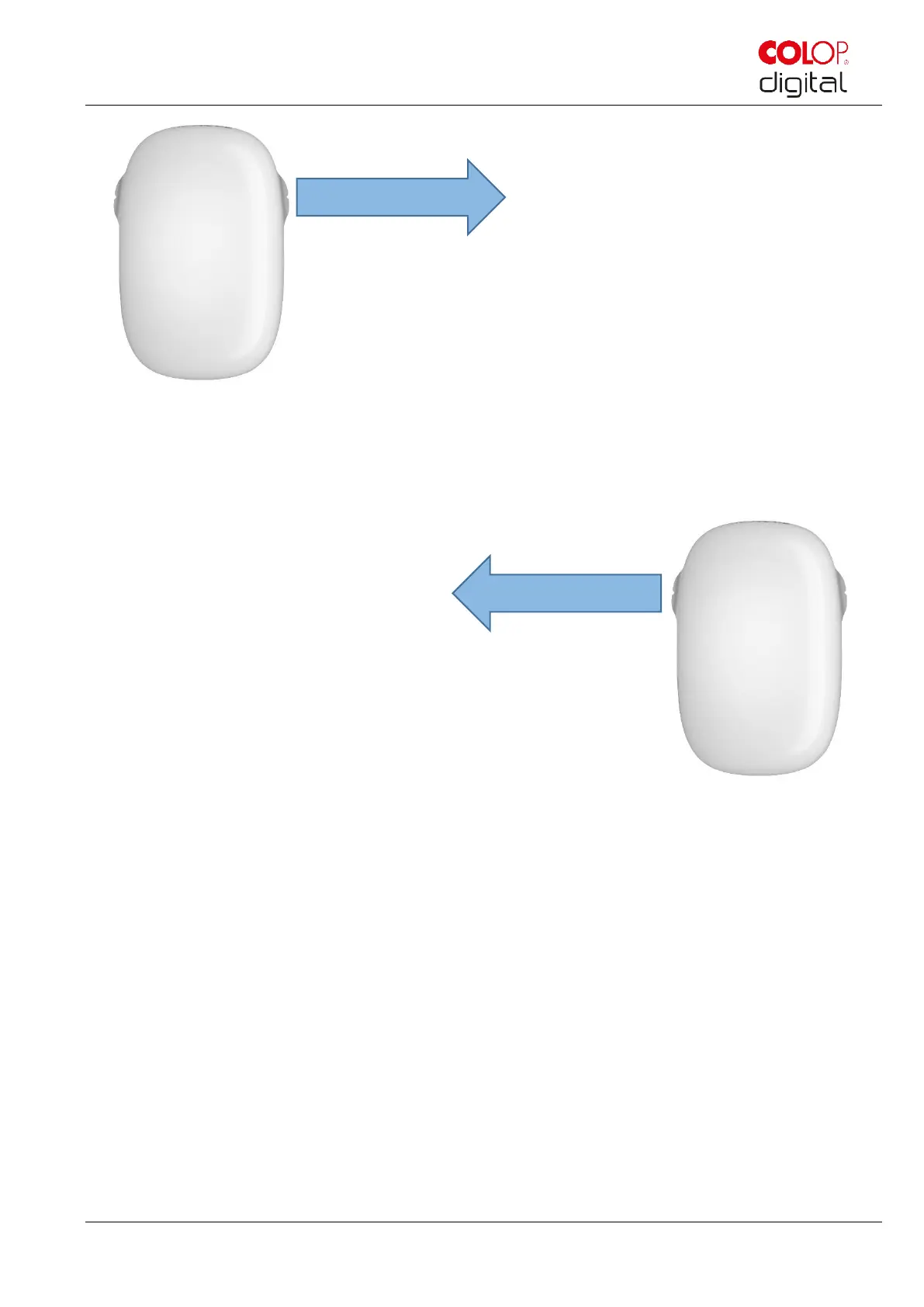
Fig. 19: Marking from left to right
Position the e-mark on the right edge.
Move the e-mark slowly and in a straight line from right to left.
Fig. 20: Marking from right to left
When the end position is reached printing stops and a signal sounds.
Return the e-mark to the docking station immediately after printing.
Changing imprints stored on the e-mark:
The last imprint that was sent to the e-mark, is always stored on the green position (green LEDs on the
side of the e-mark). In addition, three further imprints can be stored permanently on the e-mark. These
can be selected in the App (“Imprints on e-mark”) and can be deleted or exchanged any time. The
imprints are indicated in the App by different colors which match the colors of the LEDs of the light pipe
on the side of the e-mark. Thus, four imprints can be used even without connection to the App.
There are two possibilities to make one of these imprints that are stored on the e-mark. The respective
imprint can either be chosen in the App or you can tap twice double on top of the e-mark (four times in
total) to change between imprints. This functionality works best when the e-mark is in the docking
station. The color of the light pipe changes (from green to blue, pink or orange) and after a short loading



 To Next Page