e-mark marking device Chapter 5 Operation
CODI Standard 1.0 Page 33 of 61
Operating and Maintenance Manual
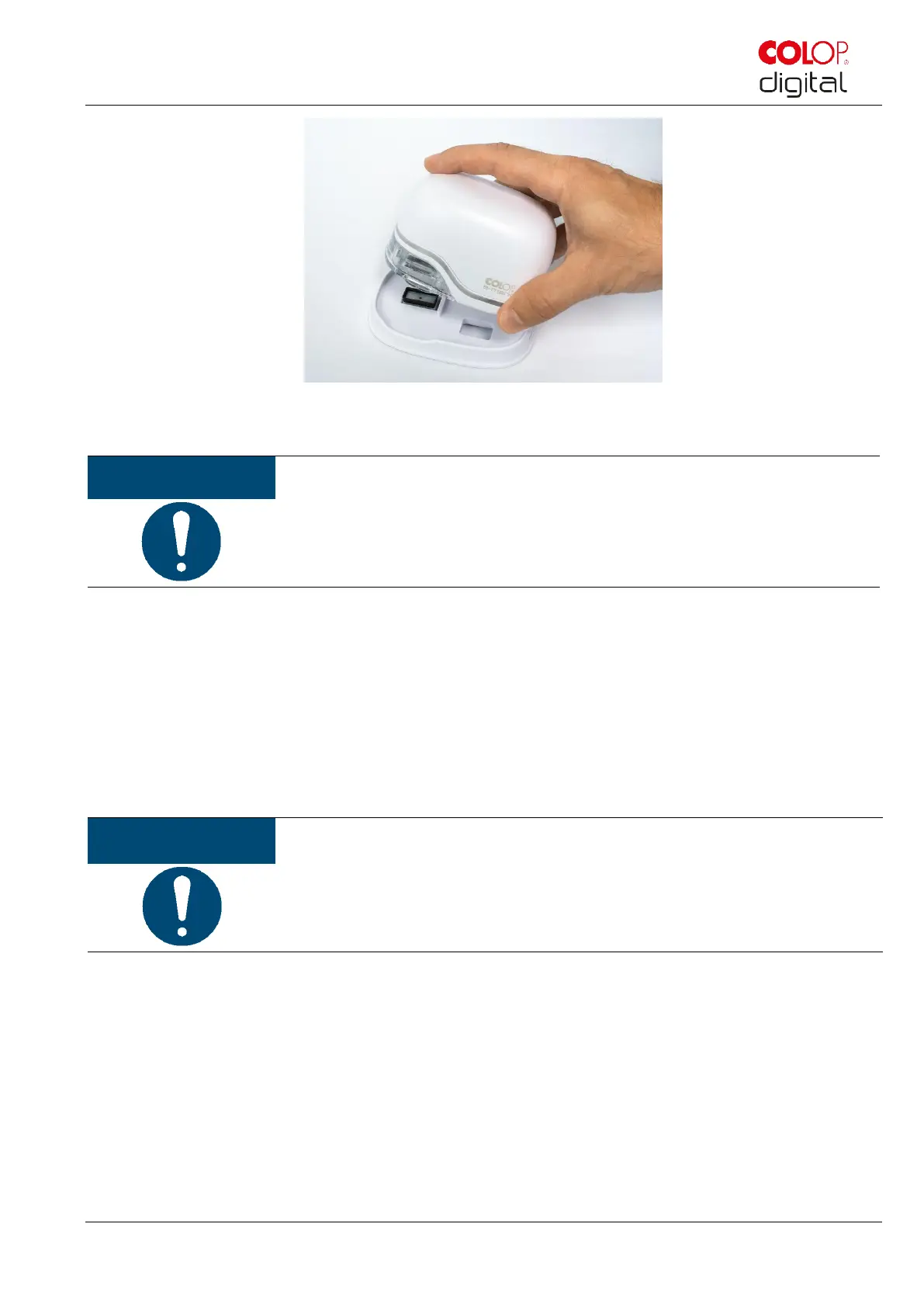
Fig. 23: Place into docking station
ALWAYS place the e-mark in the docking station after use! Otherwise, the ink
cartridge print head dries out.
If the e-mark is switched on and is not placed in the docking station for one minute, a warning signal
sounds and the Light Guide displays a flashing red warning light. A warning is also displayed in the App
interface in online mode. Return the e-mark to the docking station.
If the e-mark is switched off, NO warning signal sounds. Even when switched off, the e-mark must always
be placed in the docking station, otherwise the ink cartridge print head dries out, considerably affecting
print quality or it may be damaged.



 To Next Page