e-mark marking device Chapter 5 Operation
CODI Standard 1.0 Page 36 of 61
Operating and Maintenance Manual
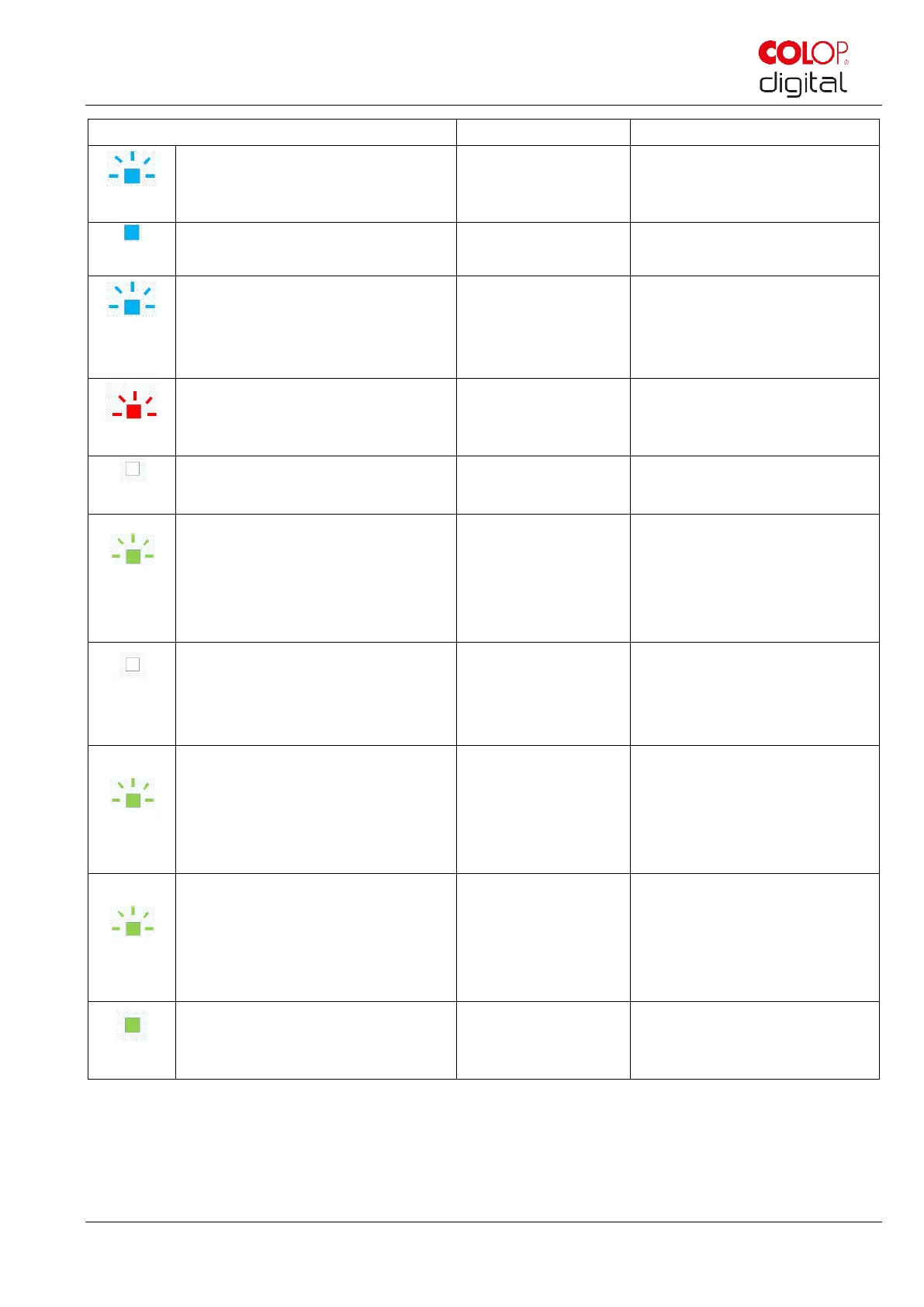
All LEDs light up blue (1 s) and a
long signal sounds,
LED 1 and 7 light up blue (1 s)
The WIFI connection has been
established
Continues blue flashing, long
signal tone at the end
An image is being
transferred
An image is being transferred
to the e-mark via WIFI. A long
signal sounds when transfer is
complete
Short red double flashing of all
LEDs with simultaneous rapid
double signal tone (every 1 s)
Warning: the
cartridge is drying
out
The e-mark must be returned
to the docking station
immediately
White continuous light LED 9
The e-mark has gone into
sleep mode automatically
Continuous green flashing
followed by continuous white
flashing. Short signal sounds at
start and long signal sounds when
complete (approx. 6 s)
Power up when
switched on or
leaving sleep mode
The e-mark is powering up or
has left sleep mode for normal
mode. A signal sounds when
complete.
White continuous light on both
sides. Short signal sounds when
complete
Marking to the
left/right
The light helps to see the
imprint better through the
transparent part in the front
while printing
Short green flashing light left
Becomes a continuous green light
when printing is interrupted
Marking to the right. A short
signal sounds when the end of
the image has been reached
If continuous light: Printing can
continue
Short green flashing light right
Becomes a continuous green light
when printing is interrupted
Marking to the left. A short
signal sounds when the end of
the image has been reached
If continuous light: Printing can
continue
e-mark has been removed
from the docking station and
powered up



 To Next Page