e-mark marking device Chapter 6 Maintenance
CODI Standard 1.0 Page 49 of 61
Operating and Maintenance Manual
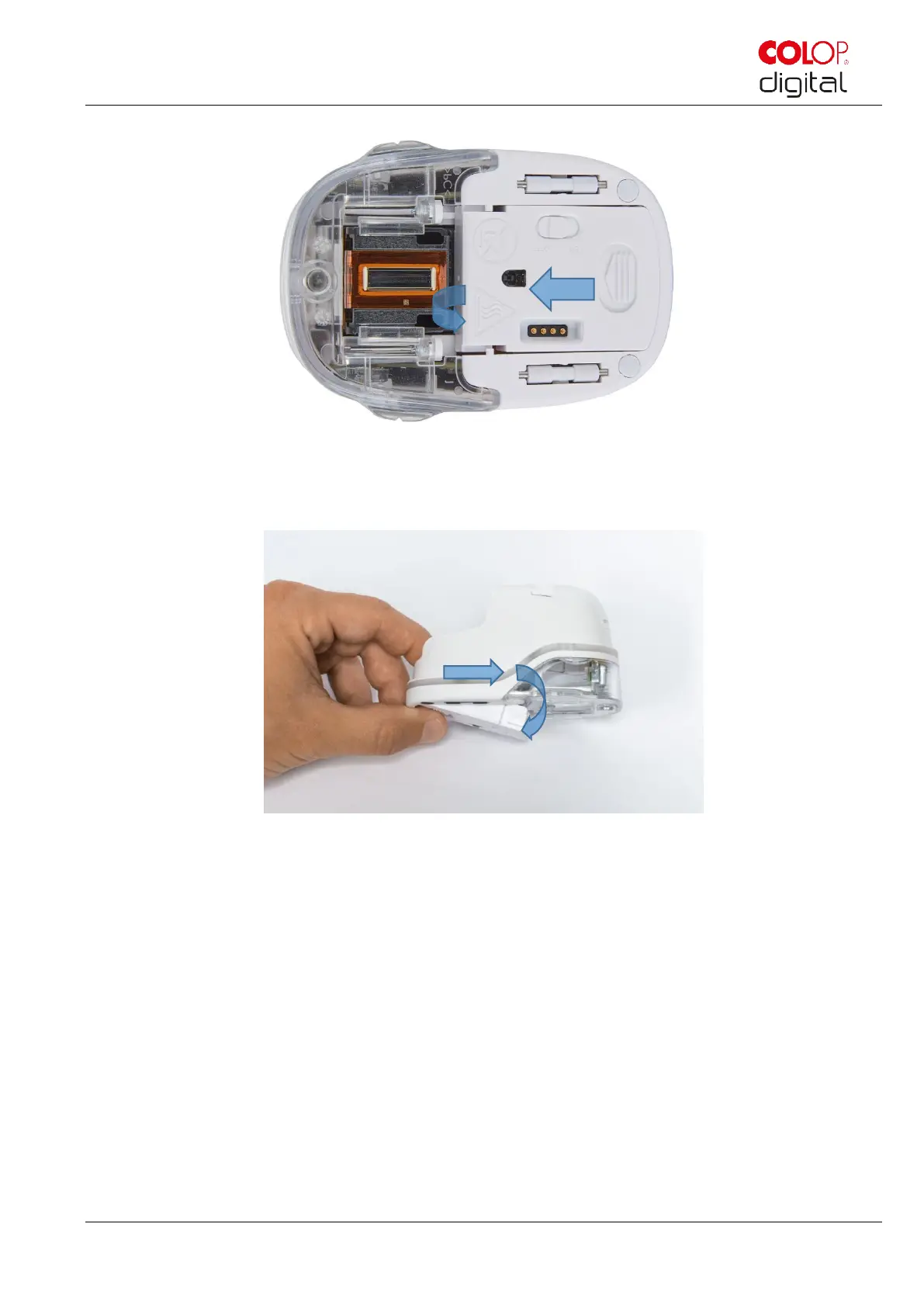
Fig. 43: Opening the sliding panel
Fig. 44: Sliding panel open
Pull down the lower sliding panel.
- Slide the underside of the e-mark in the direction of the arrow.
- Press the panel downwards at an angle.
Remove the old ink cartridge and dispose of responsibly.
- Pull the ink cartridge to the rear using the ridges
- Remove the ink cartridge from the e-mark



 To Next Page