INSTALLATION & USER'S MANUAL CLITE2 Page 11
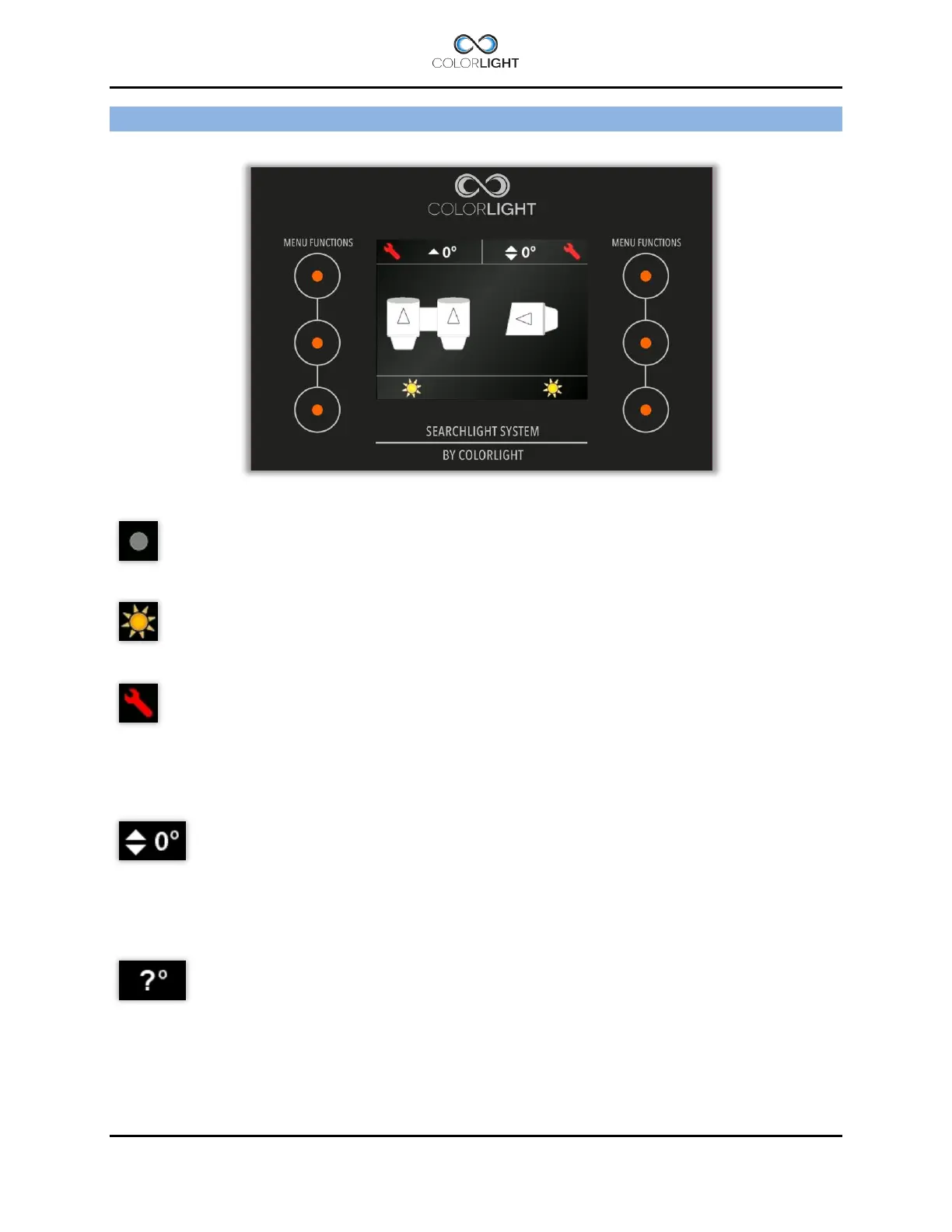
DISPLAY SYMBOLS AND MESSAGES 6.
Symbol for switched off white light.
Symbol for switched on white light.
Symbol for any electro-mechanic error. Might be referred as an over voltage or
over current for motor drivers. Communication error with motor drivers will result in
the same symbol. This error symbol can be reset by simply enter the main menu
and select status. Then press “dismiss”. If over current have occurred the problem
might be referred as a stucked lamp housing – check for any icing issues. Each
axis has its own symbol showing in upper left or right corner of the display.
This symbol and a similar symbol indicate the direction of the lamp housing both
for the vertical axis and for the horizontal axis. The arrows in the shown symbol
indicate the elevation angle for the vertical axis according to the horizontal-plane.
For the horizontal symbol and axis these small arrows indicate if the housing is
directed to the left, front, right or back of the centerline.
If the arrows are replaced by question marks then the system needs to be
internally calibrated. The easiest way to do the internal calibration is by simply
choose the “Park” in the quick start menu, please see 14.6 Off and park.



 To Next Page