Page 52 INSTALLATION & USER'S MANUAL CLITE2
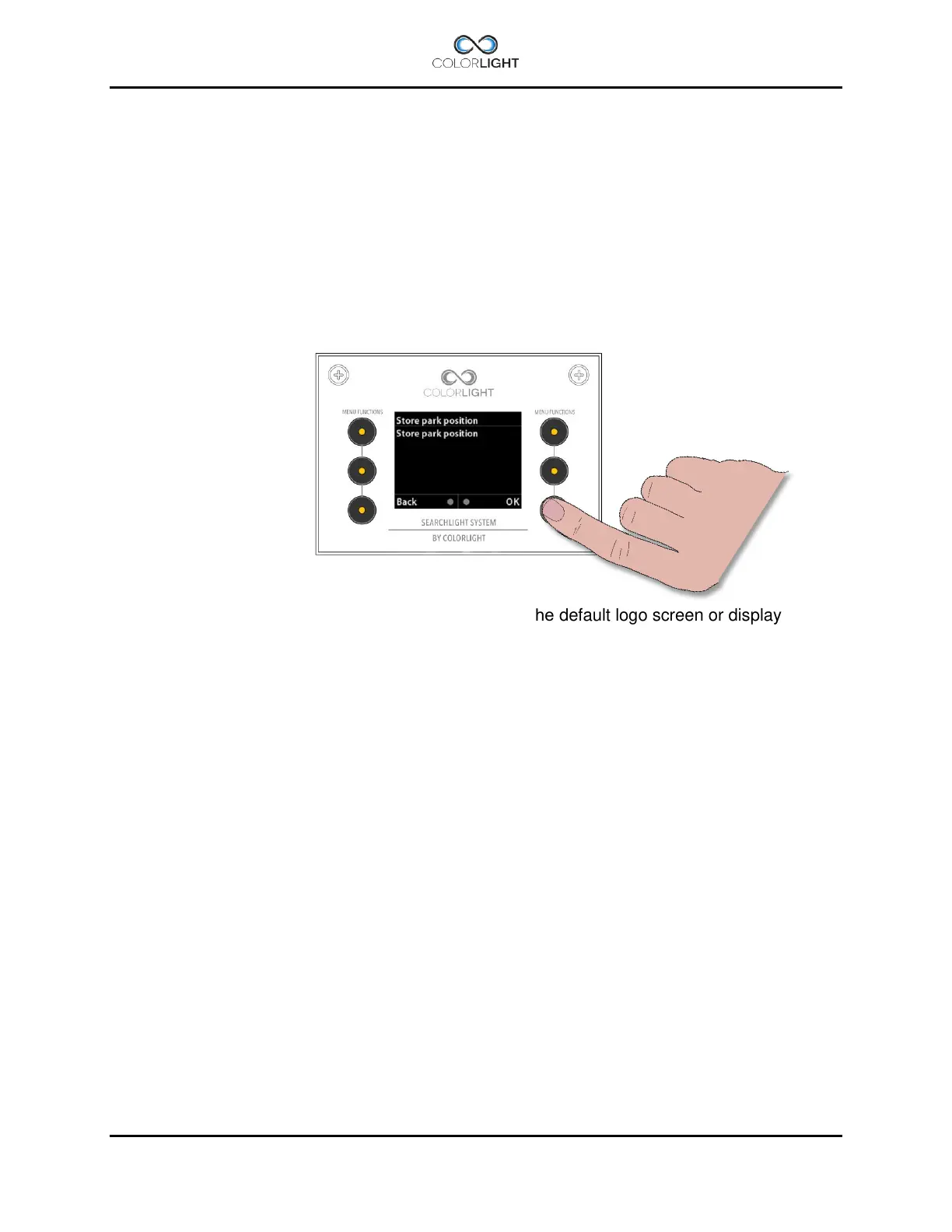
15.8.5.2 Store park position
This menu enables the storing of a park position (lamp housing pointing at any direction when
the “Park” command is selected.
Before changing the default park position it’s necessary that the synchronization between
operator panel and electrical box is done properly. The easiest way to do the synchronization is
by just turn the system off with the “Park” command, please see 14.6 Off and park.
From the default logo screen or display indicator*-screen, move the searchlight to the new
desired park position and when satisfied select menu>settings>Installation and enter sub
menu “Store park position”.
Press “OK” to save the new park position and return to the default logo screen or display
indicator*-screen
Suitable park position for CLITE2 is pointing straight ahead 0/0 degree; this is also the default
parking position



 To Next Page