Page 32 INSTALLATION & USER'S MANUAL CLITE2
Store fixed position 14.1.2
If no position has been stored or the searchlight is already at the stored position it will not move.
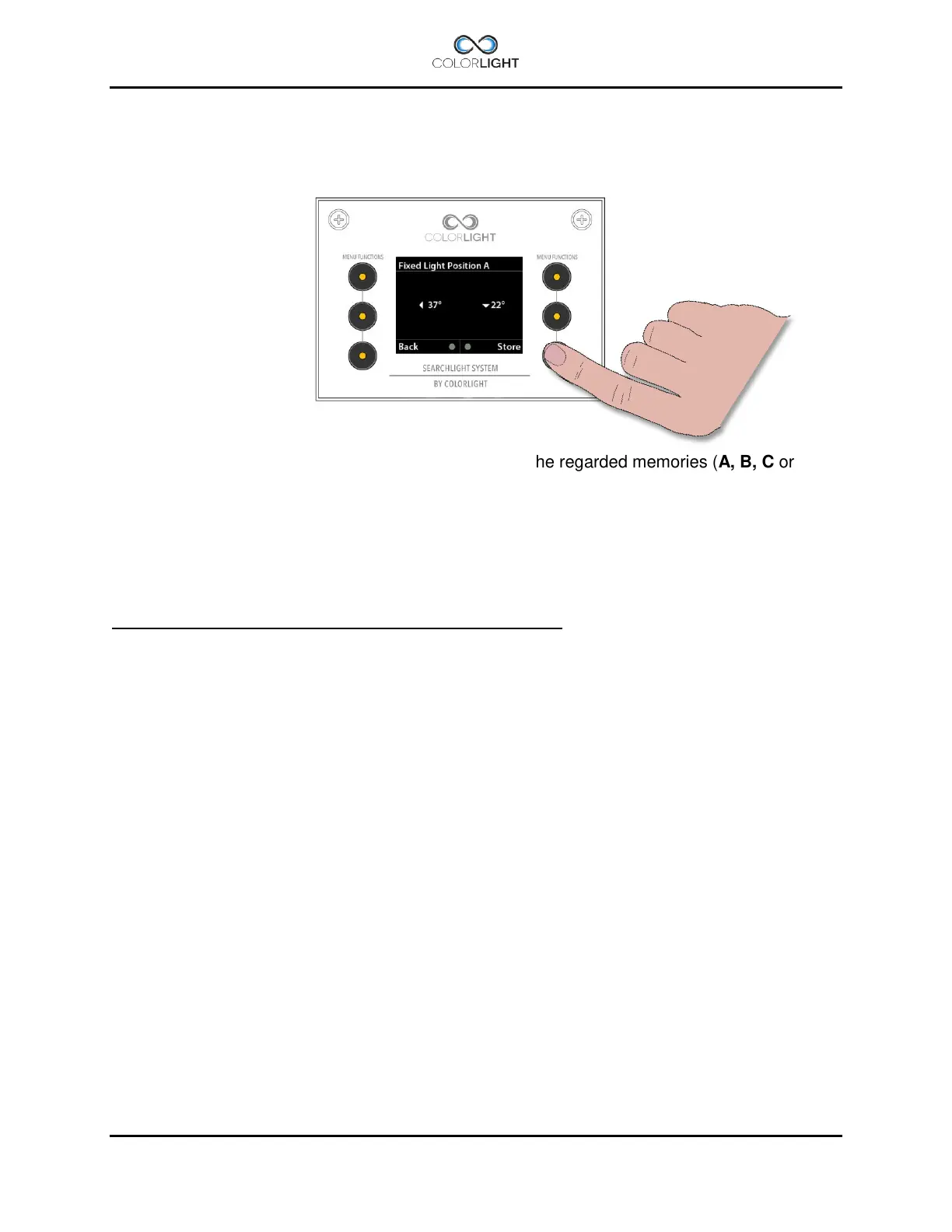
To store a new or change a fixed position, enter one of the regarded memories (A, B, C or D) in
the menu. If there is already a preprogrammed fixed position stored at the selected memory, the
searchlight will start to move to that position. Either select a free memory or, if you want to
change this item, take control over the searchlight by moving the joystick (also aborting an
eventual movement of the searchlight).
Now – by using the joystick - move the searchlight to the desired new position and press
“Store”.
The current position is now stored.
Note that you always overwrite a previously stored position.



 To Next Page