INSTALLATION & USER'S MANUAL CLITE2 Page 45
Off and park 14.6
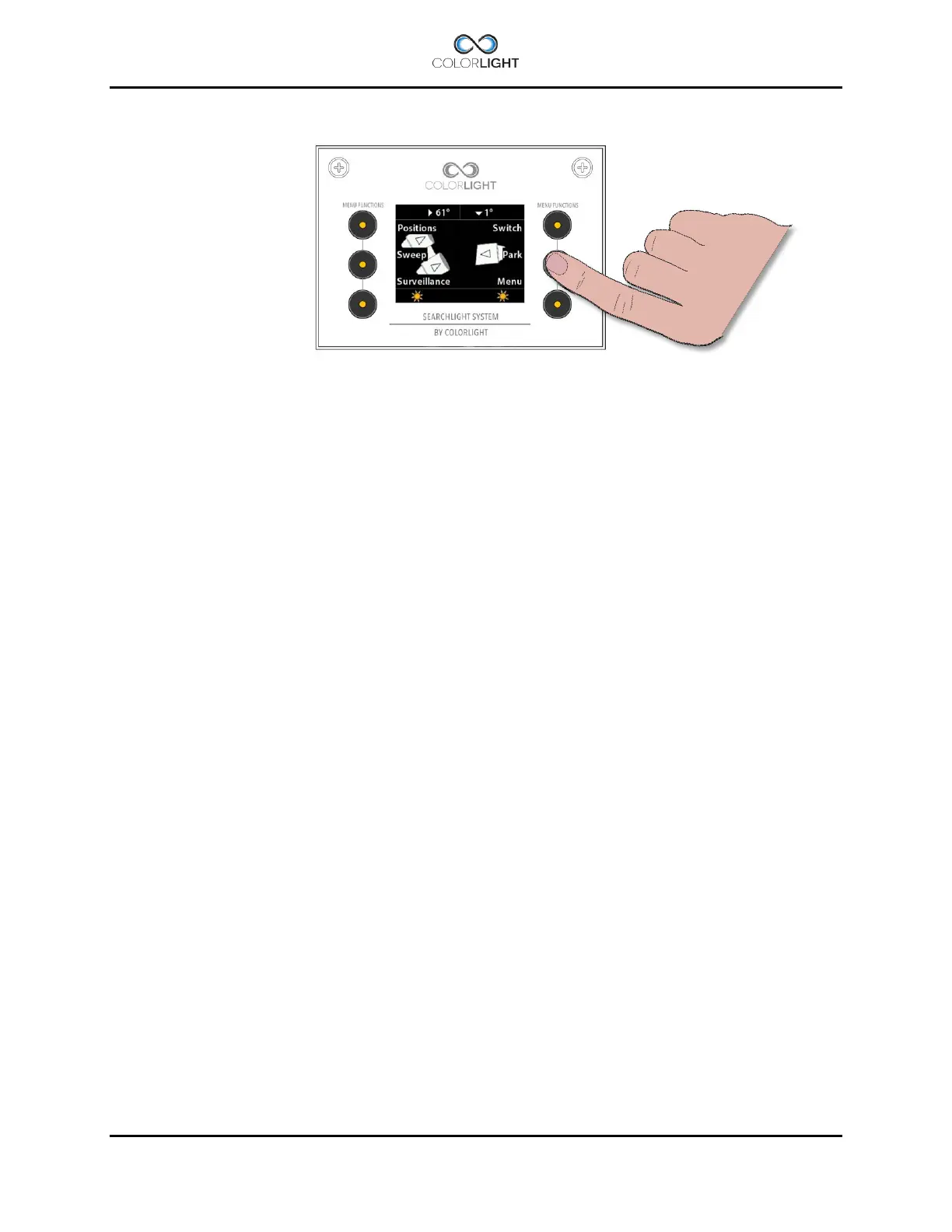
By pressing the button next to "Park", any lighted lamp will be turned off and the searchlight will
automatically look up the preprogrammed parking position, during this time you'll see
"Parking ..." in the bottom middle of the display.
When parked, the operator panel will turn off the display after a few seconds and the LEDs
behind the buttons will be dimmed to a lower intensity.



 To Next Page