Page 82 INSTALLATION & USER'S MANUAL CLITE2
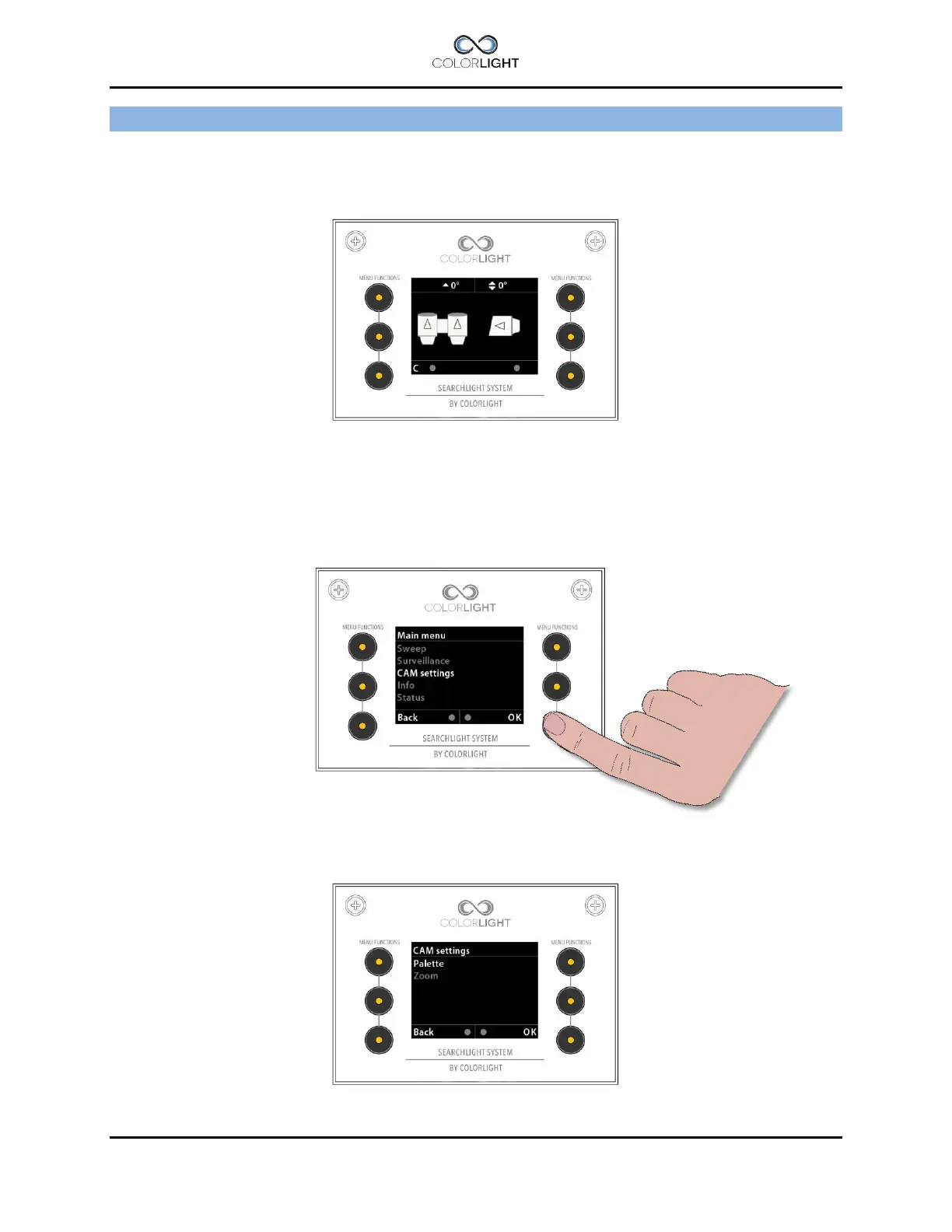
MENU - CAM SETTINGS 22.
The camera settings “Zoom” and “Palette” can be accessed in two ways; either you set them
directly from CAM mode-screen described in chapter 21 or by selecting “CAM settings” in the
main menu.
The basic camera settings can only be accessed if the camera is activated. Activated camera is
indicated by the letter “C” in bottom left of the display.
If the menu rows are dimmed the camera must first be activated before changes can be made
please see 21.1 Activate the thermal camera.
Navigate down to “CAM settings” and press “OK”.
Basic camera settings.



 To Next Page