Page 48 INSTALLATION & USER'S MANUAL CLITE2
Settings 15.8
This opens a new menu with six sub menus.
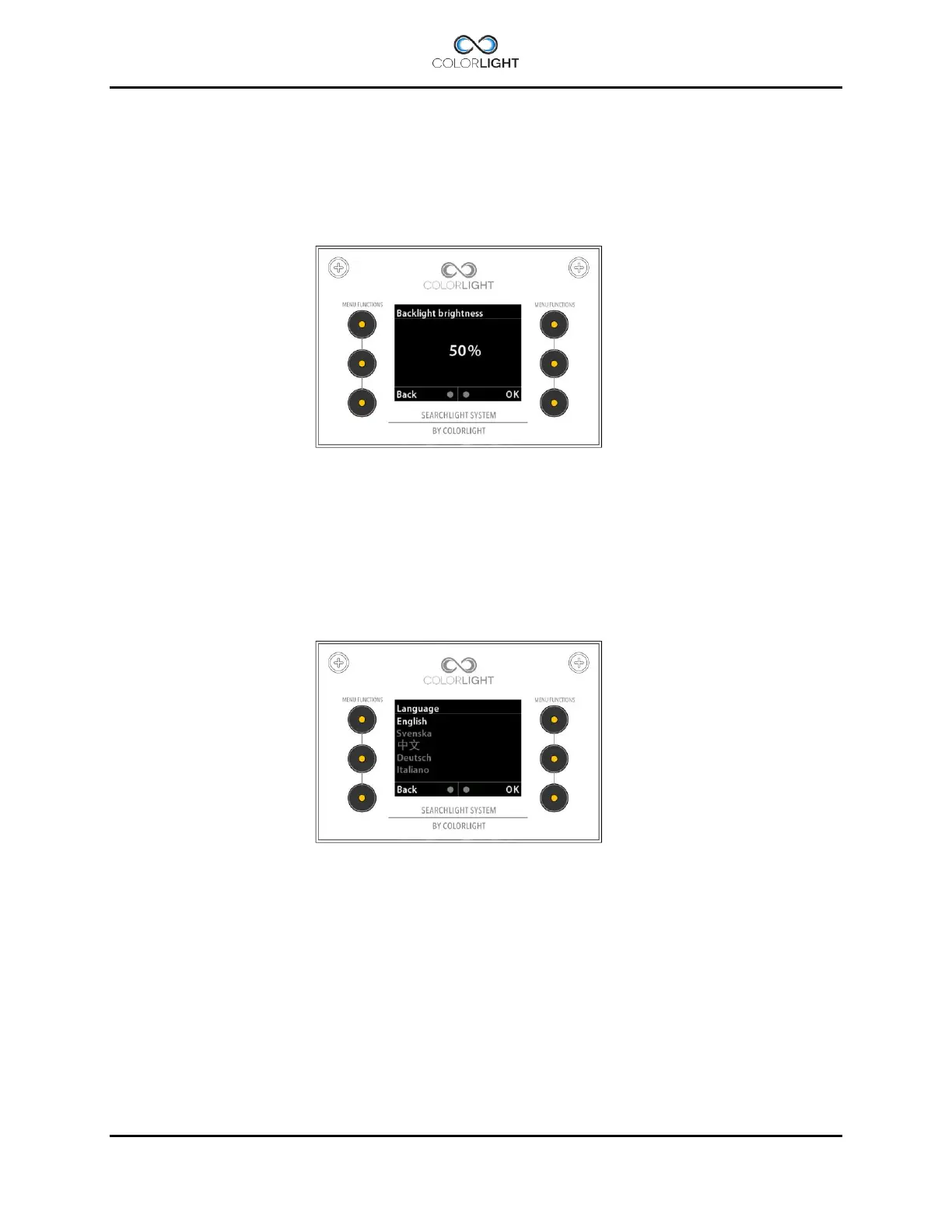
Backlight brightness (adjust the button´s/ display light intensity) 15.8.1
In this menu the intensity of the button LEDs and the display backlight can be adjusted between
5-100%.
The adjustment is done by moving the joystick forward for increasing the intensity and backward
to decrease. The selected intensity is confirmed with “OK”.
Language 15.8.2
The language in the display can be changed depending on which language sets that are
installed in the operator panel.
Currently, the following languages are available (Q2 2016):
English, Swedish, Chinese, French, German, Italian, Portuguese, Russian.
If you find that your language is missing, please contact Colorlight



 To Next Page