Page 34 INSTALLATION & USER'S MANUAL CLITE2
Modify sweep parameters 14.2.2
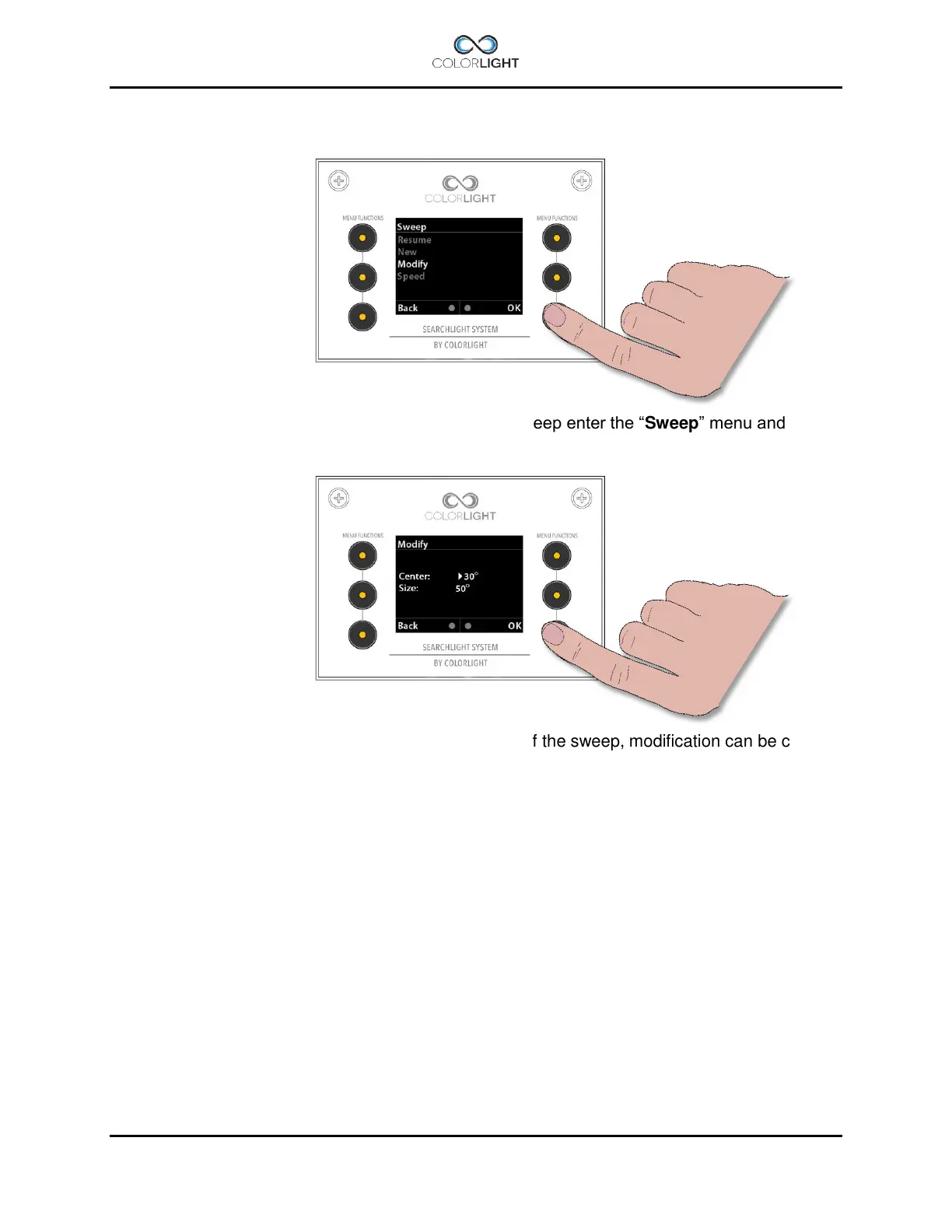
To modify the sweep angle and / or the center of the sweep enter the “Sweep” menu and
navigate down to “Modify”, press “OK”.
This menu changes the sweep angle and center point of the sweep, modification can be carried
out both during movement and while searchlight is standing still.
To change the center point of the horizontal sweep move the joystick to the left or right until the
desired center point is reached.
To change size of the sweep angle move the joystick up or down.
Press “OK” to save and update the searchlight with the new values.



 To Next Page