INSTALLATION & USER'S MANUAL CLITE2 Page 37
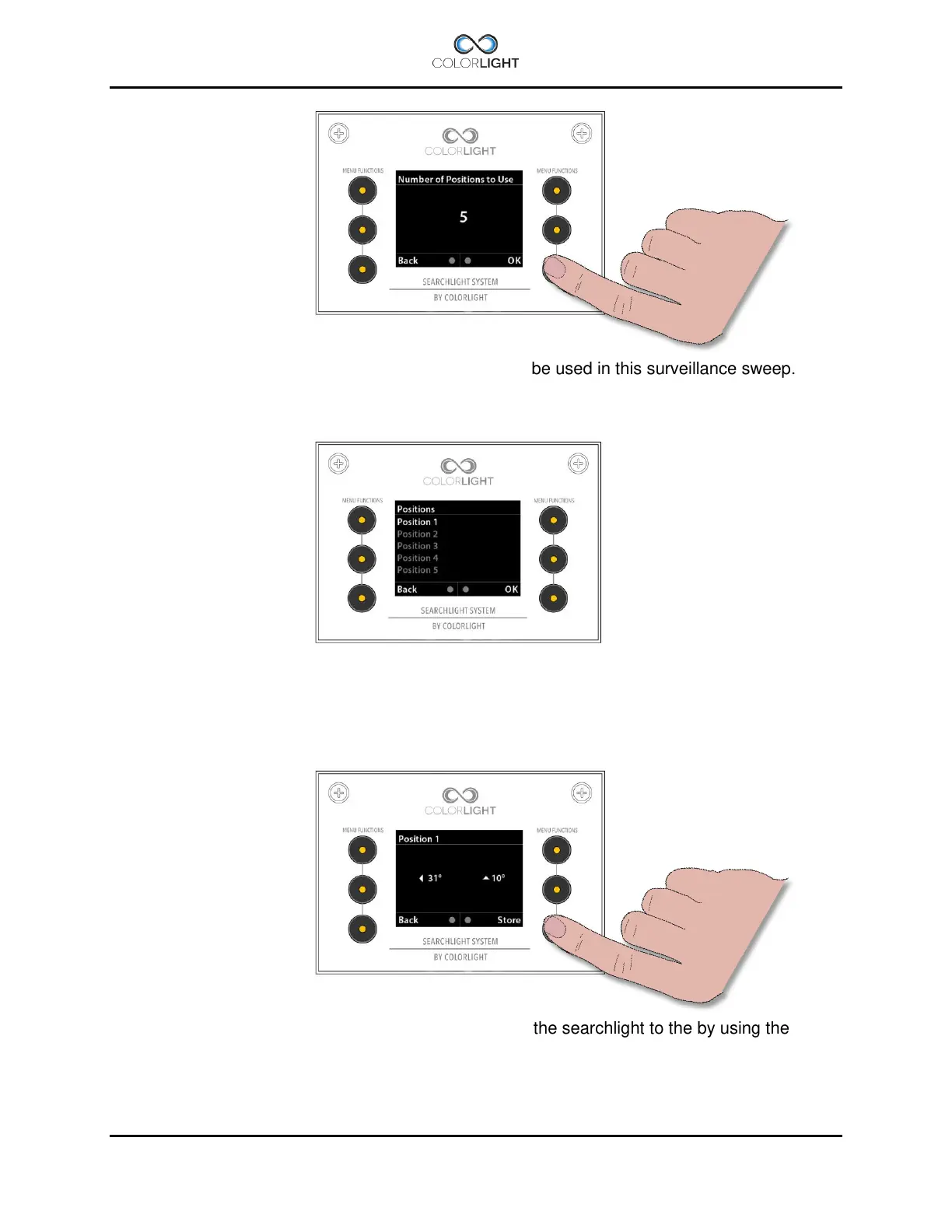
Select the requested number of positions (max. five) to be used in this surveillance sweep.
Press “OK” to save and return to the “Surveillance” submenu.
To set the positions in a surveillance sweep enter the “Positions” menu in the “Surveillance”
submenu.
The selected number of positions is shown in the display.
To set a position, enter the desired position, then move the searchlight to the by using the
desired position by the joystick. Press “Store” to store each position.



 To Next Page