INSTALLATION & USER'S MANUAL CLITE2 Page 39
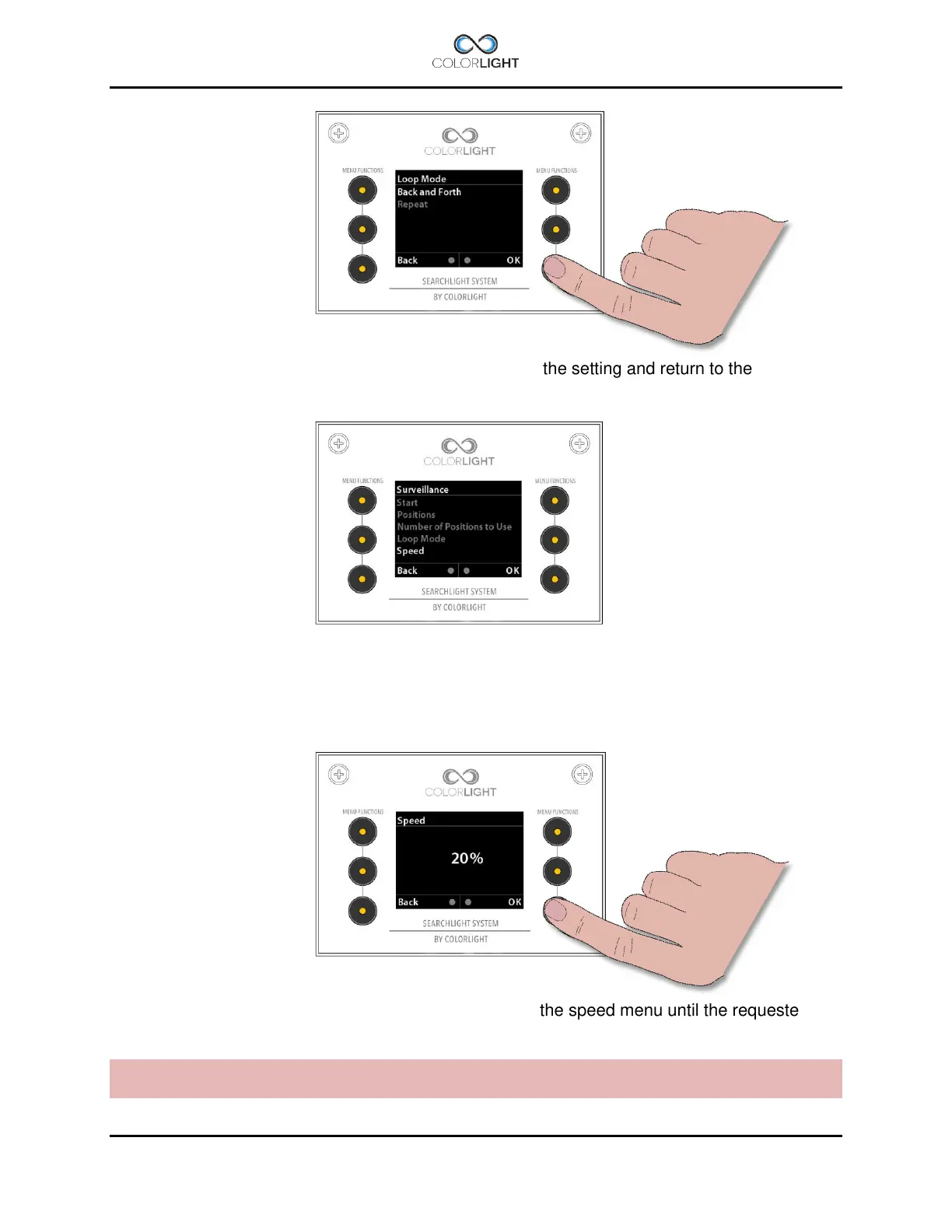
Navigate to the preferred setting and press “OK” to save the setting and return to the
“Surveillance” menu.
“Speed” is where the speed of the rotation of the searchlight is set. Default setting is 50% of
maximum speed of the searchlight.
To change the actual speed of the surveillance sweep enter the “Surveillance” submenu then
“Speed”.
Change the setting by moving the joystick up or down in the speed menu until the requested
value is shown. The speed can be set between 5-100% of the maximum rotation speed.
Note: If the rotation speed is updated during runtime this will effect only after the searchlight has
reached its next end point.



 To Next Page