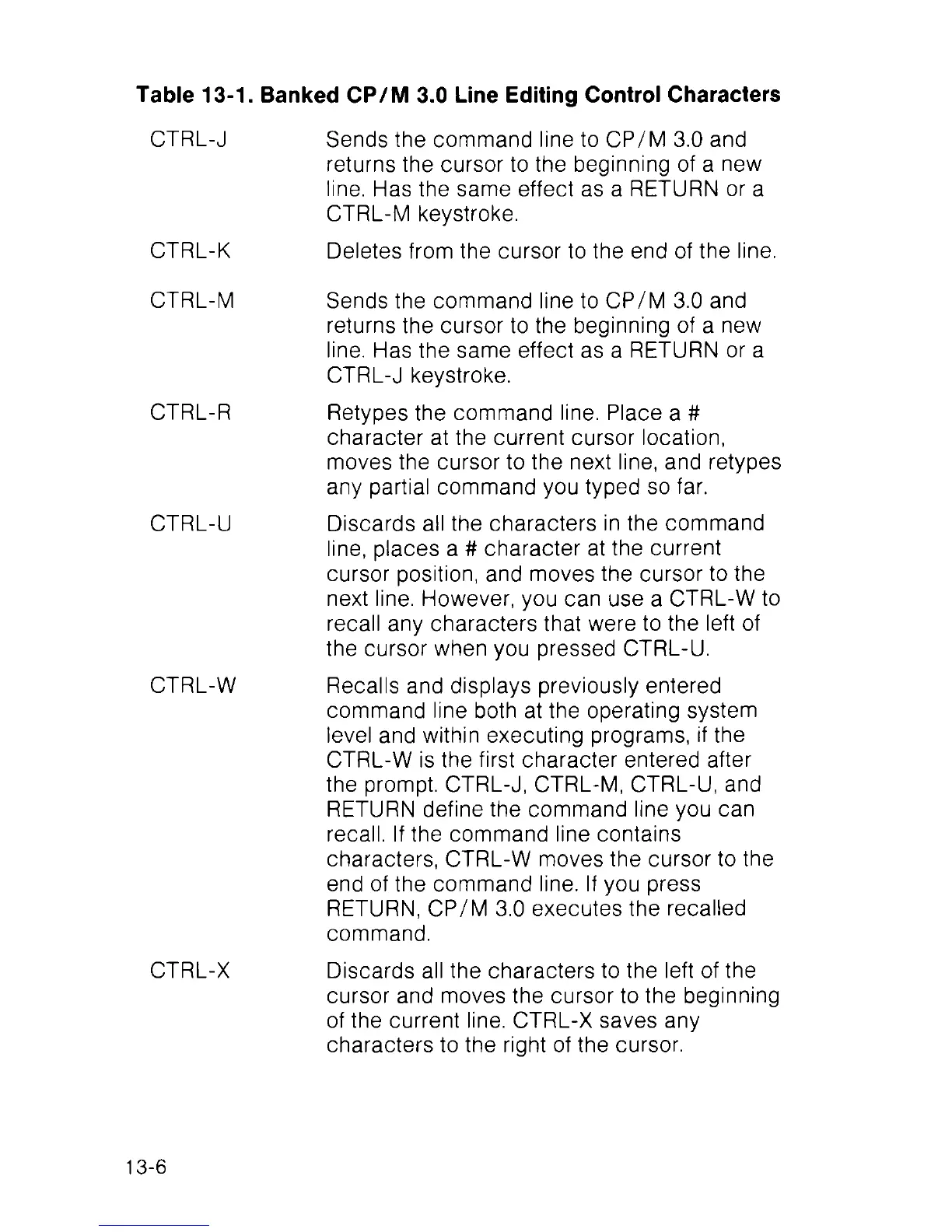
Table 13-1. Banked CP/M 3.0 Line Editing Control Characters
CTRL-J
CTRL-K
CTRL-M
CTRL-R
CTRL-U
CTRL-W
CTRL-X
Sends the command line to CP/M 3.0 and
returns the cursor to the beginning of a new
line. Has the same effect as a RETURN or a
CTRL-M keystroke.
Deletes from the cursor to the end of the line.
Sends the command line to CP/M 3.0 and
returns the cursor to the beginning of a new
line. Has the same effect as a RETURN or a
CTRL-J keystroke.
Retypes the command line. Place a #
character at the current cursor location,
moves the cursor to the next line, and retypes
any partial command you typed so far.
Discards all the characters in the command
line, places a # character at the current
cursor position, and moves the cursor to the
next line. However, you can use a CTRL-W to
recall any characters that were to the left of
the cursor when you pressed CTRL-U.
Recalls and displays previously entered
command line both at the operating system
level and within executing programs, if the
CTRL-W is the first character entered after
the prompt. CTRL-J, CTRL-M, CTRL-U, and
RETURN define the command line you can
recall. If the command line contains
characters, CTRL-W moves the cursor to the
end of the command line. If you press
RETURN, CP/M 3.0 executes the recalled
command.
Discards all the characters to the left of the
cursor and moves the cursor to the beginning
of the current line. CTRL-X saves any
characters to the right of the cursor.
13-6



 To Next Page