Using the Four Arrow Cursor Keys
ln C128 mode, the cursor can be moved in any direction simply
by using the arrow key in the top row that points in the direction
you want to move the cursor. (These keys cannot be used in C64
mode).
Using the CRSR keys
ln both C128 and C64 mode, you can use the two keys on the
right side of the bottom row of the main keyboard to move the
cursor:
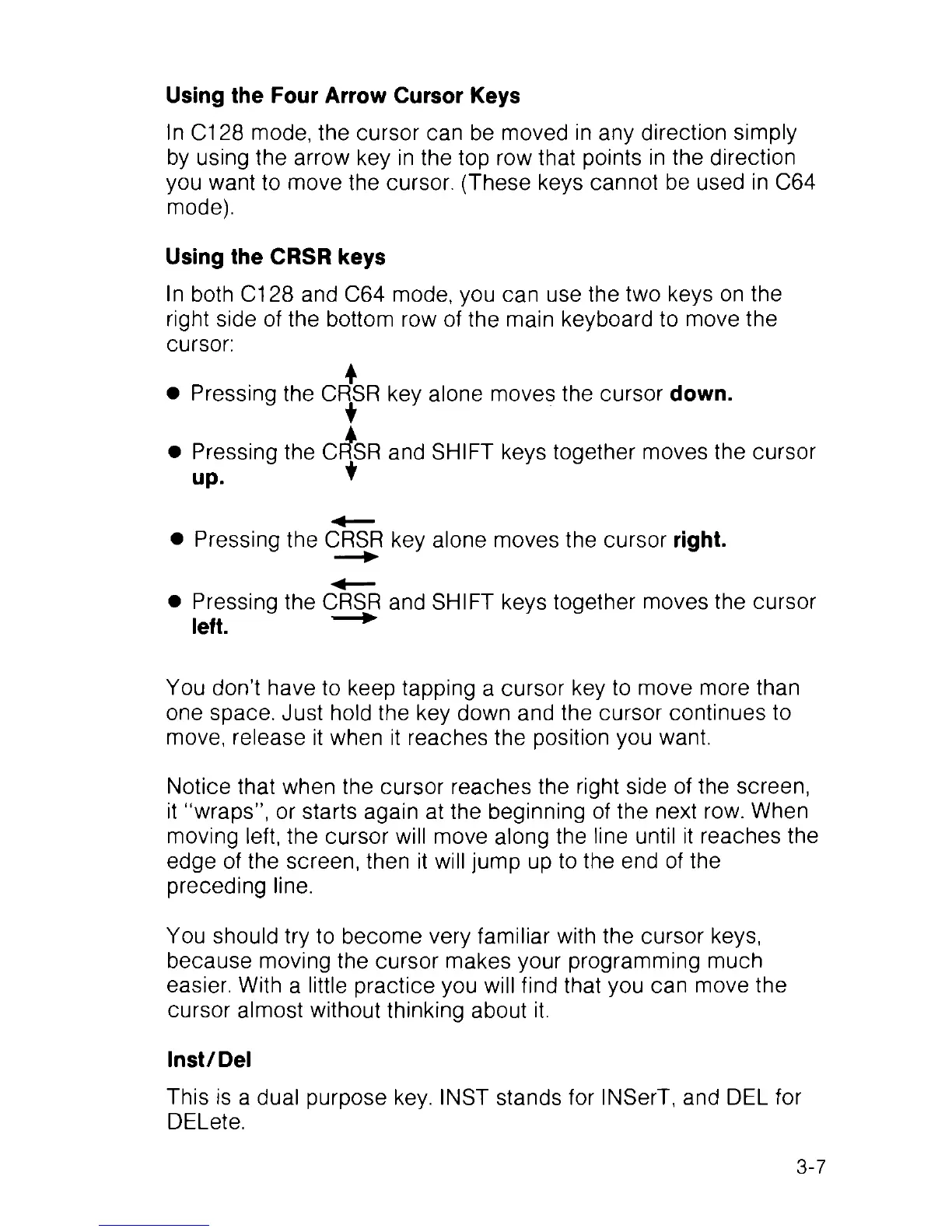
• Pressing the CF^SR key alone moves the cursor down.
• Pressing the Cf^SR and SHIFT keys together moves the cursor
up. t
• Pressing the CRSR key alone moves the cursor right.
• Pressing the CRSR and SHIFT keys together moves the cursor
left. — *
You don’t have to keep tapping a cursor key to move more than
one space. Just hold the key down and the cursor continues to
move, release it when it reaches the position you want.
Notice that when the cursor reaches the right side of the screen,
it “wraps”, or starts again at the beginning of the next row. When
moving left, the cursor will move along the line until it reaches the
edge of the screen, then it will jump up to the end of the
preceding line.
You should try to become very familiar with the cursor keys,
because moving the cursor makes your programming much
easier. With a little practice you will find that you can move the
cursor almost without thinking about it.
Inst/Del
This is a dual purpose key. INST stands for INSerT, and DEL for
DELete.
3-7



 To Next Page