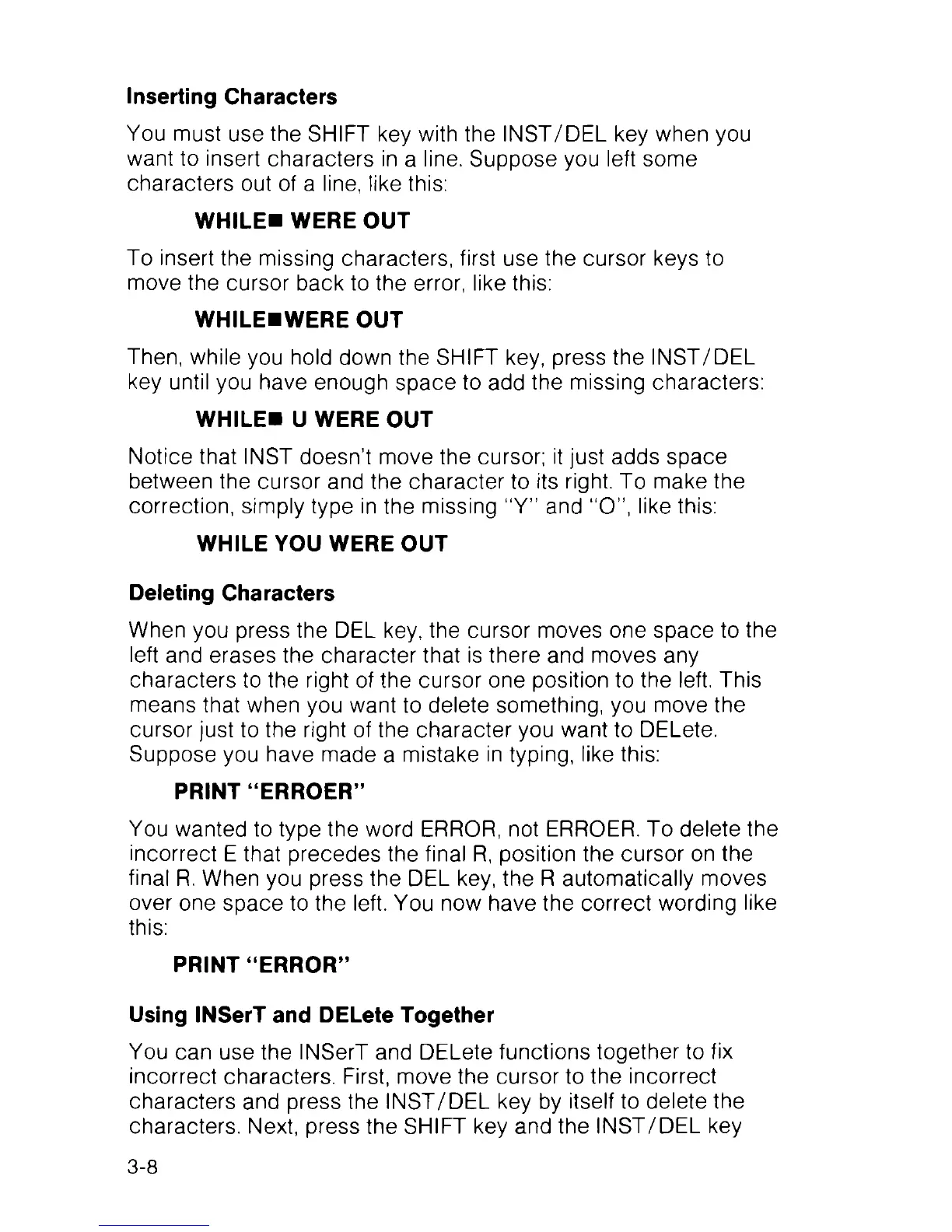
Inserting Characters
You must use the SHIFT key with the INST/DEL key when you
want to insert characters in a line. Suppose you left some
characters out of a line, like this:
WHILE« WERE OUT
To insert the missing characters, first use the cursor keys to
move the cursor back to the error, like this:
WHILEHWERE OUT
Then, while you hold down the SHIFT key, press the INST/DEL
key until you have enough space to add the missing characters:
WHILES U WERE OUT
Notice that INST doesn’t move the cursor; it just adds space
between the cursor and the character to its right. To make the
correction, simply type in the missing “Y” and “O”, like this:
WHILE YOU WERE OUT
Deleting Characters
When you press the DEL key, the cursor moves one space to the
left and erases the character that is there and moves any
characters to the right of the cursor one position to the left. This
means that when you want to delete something, you move the
cursor just to the right of the character you want to DELete.
Suppose you have made a mistake in typing, like this:
PRINT “ERROER”
You wanted to type the word ERROR, not ERROER. To delete the
incorrect E that precedes the final R, position the cursor on the
final R. When you press the DEL key, the R automatically moves
over one space to the left. You now have the correct wording like
this:
PRINT “ERROR”
Using INSerT and DELete Together
You can use the INSerT and DELete functions together to fix
incorrect characters. First, move the cursor to the incorrect
characters and press the INST/DEL key by itself to delete the
characters. Next, press the SHIFT key and the INST/DEL key
3-8



 To Next Page