CHR$
Key
Sequence
Function
Effective
in Mode:
C64 C128
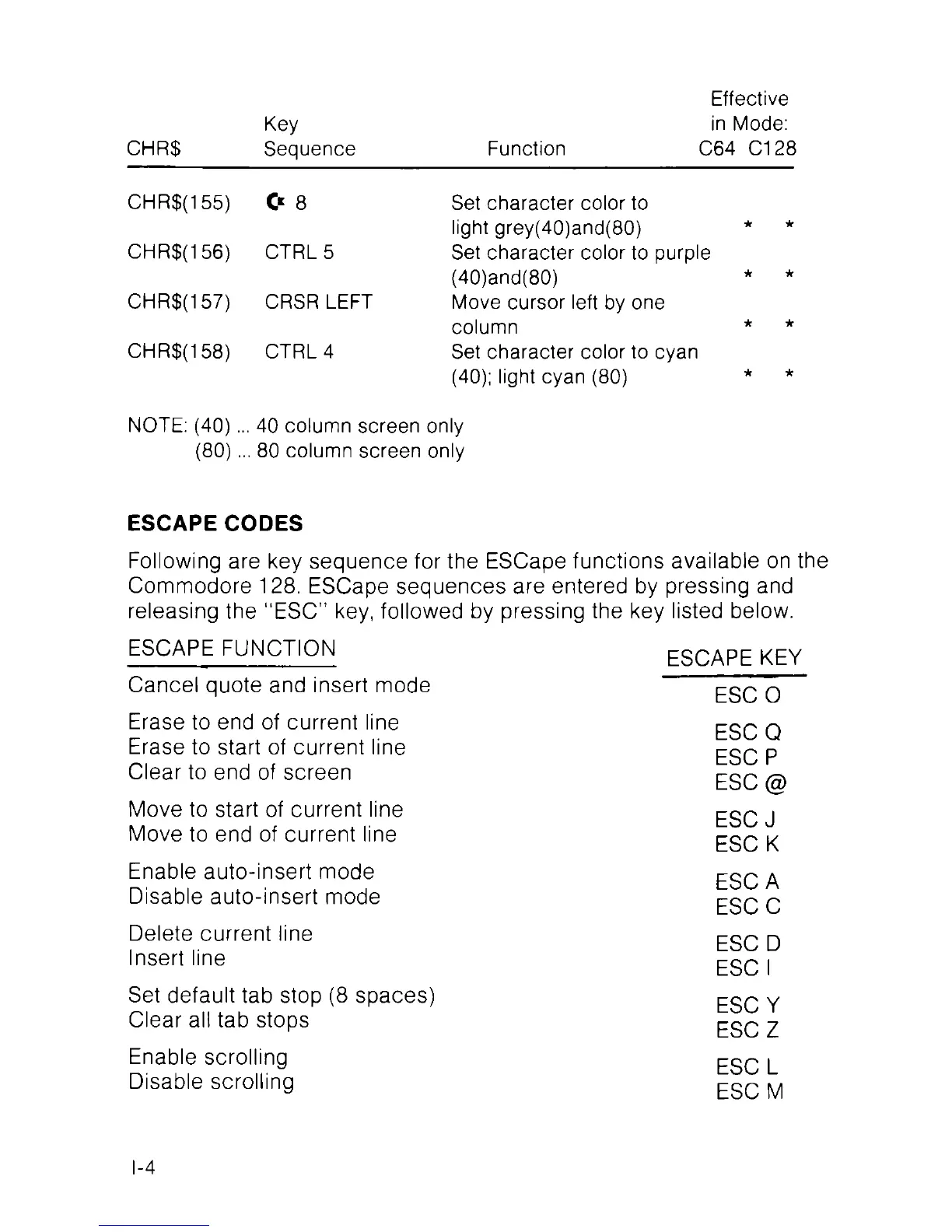
CHR$(155) 0 8 Set character color to
light grey(40)and(80)
CHR$(156) CTRL 5 Set character color to purple
(40)and(80)
CHR$(157) CRSR LEFT Move cursor left by one
column
CHR$(158) CTRL 4 Set character color to cyan
(40); light cyan (80)
NOTE: (40)... 40 column screen only
(80)... 80 column screen only
ESCAPE CODES
Following are key sequence for the ESCape functions available on the
Commodore 128. ESCape sequences are entered by pressing and
releasing the “ESC” key, followed by pressing the key listed below.
ESCAPE FUNCTION
Cancel quote and insert mode
Erase to end of current line
Erase to start of current line
Clear to end of screen
Move to start of current line
Move to end of current line
Enable auto-insert mode
Disable auto-insert mode
Delete current line
Insert line
Set default tab stop (8 spaces)
Clear all tab stops
Enable scrolling
Disable scrolling
ESCAPE KEY
ESC
0
ESC
Q
ESC
P
ESC
@
ESC
J
ESC
K
ESC
A
ESC
C
ESC D
ESC
I
ESC
Y
ESC Z
ESC
L
ESC
M
I-4



 To Next Page