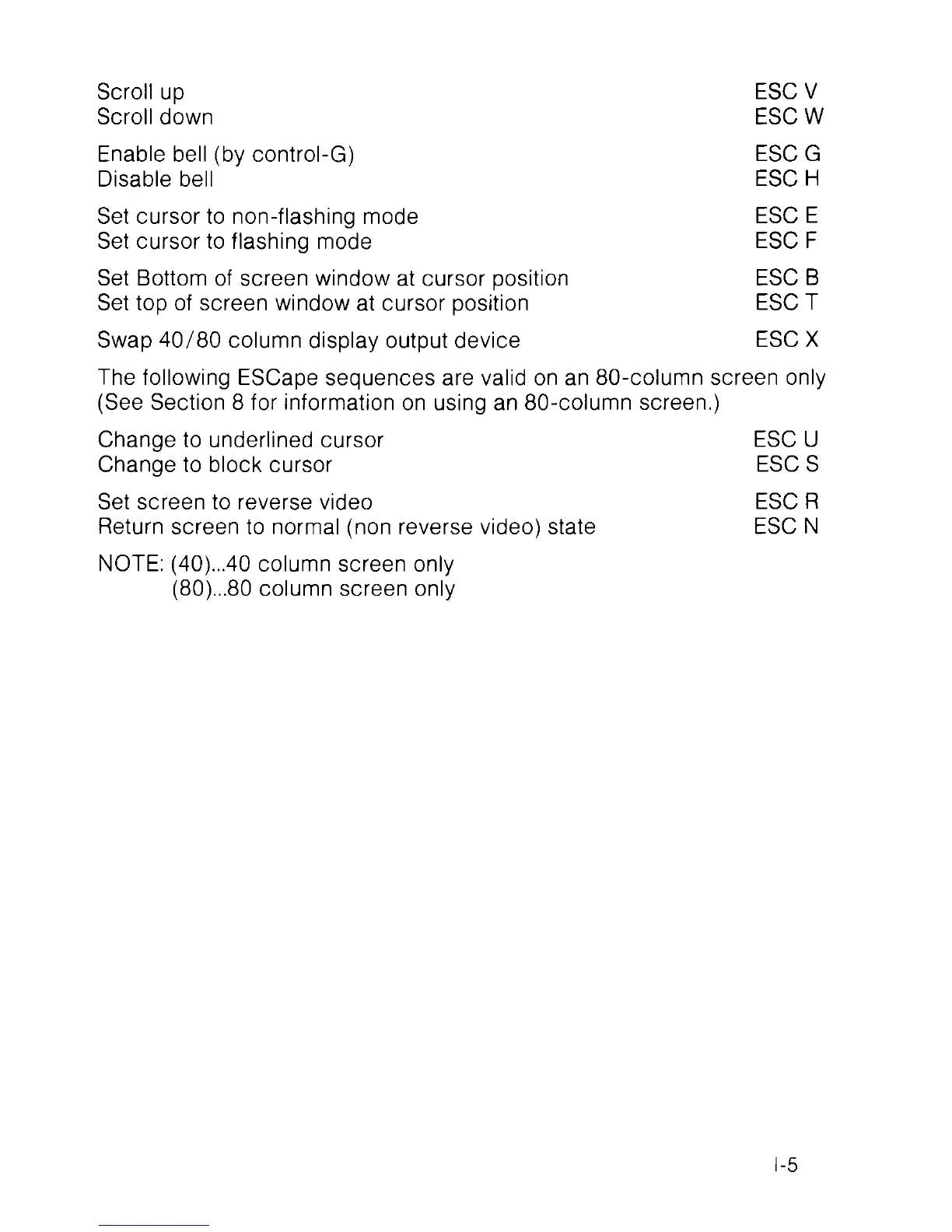
Scroll up ESC V
Scroll down ESC W
Enable bell (by control-G) ESC G
Disable bell ESC H
Set cursor to non-flashing mode ESC E
Set cursor to flashing mode ESC F
Set Bottom of screen window at cursor position ESC B
Set top of screen window at cursor position ESC T
Swap 40/80 column display output device ESC X
The following ESCape sequences are valid on an 80-column screen only
(See Section 8 for information on using an 80-column screen.)
Change to underlined cursor ESC U
Change to block cursor ESC S
Set screen to reverse video ESC R
Return screen to normal (non reverse video) state ESC N
NOTE: (40)...40 column screen only
(80)...80 column screen only
1-5



 To Next Page