5User Instructions for Control Panel M 2.2 User Manual
18
5100606_CFD5000 T - CM2.2_User Manual_T_EN_2023_E
Table 4. Disablemens menu alternatives
Alternatives Description
1 New disablements Adds new disablements as further described in section New
disablement sub-menu below.
2 Disablements list Shows all active disablements in the system. A periodic
disablement that is not active will not be shown in this list,
but in the list periodic disablements (mentioned below). The
reconnection of a disabled unit is made from this list. See
section Reconnecting Disabled Items, page 27 for more
details.
3 Remove all disablements Removes all active disablements shown in the Disablement
list.
DANGER!
Periodic disablements are not permanently
removed. Only the periodic disablement's
active period is removed. Use alternative "2
Disablements list" to remove periodic
disablements.
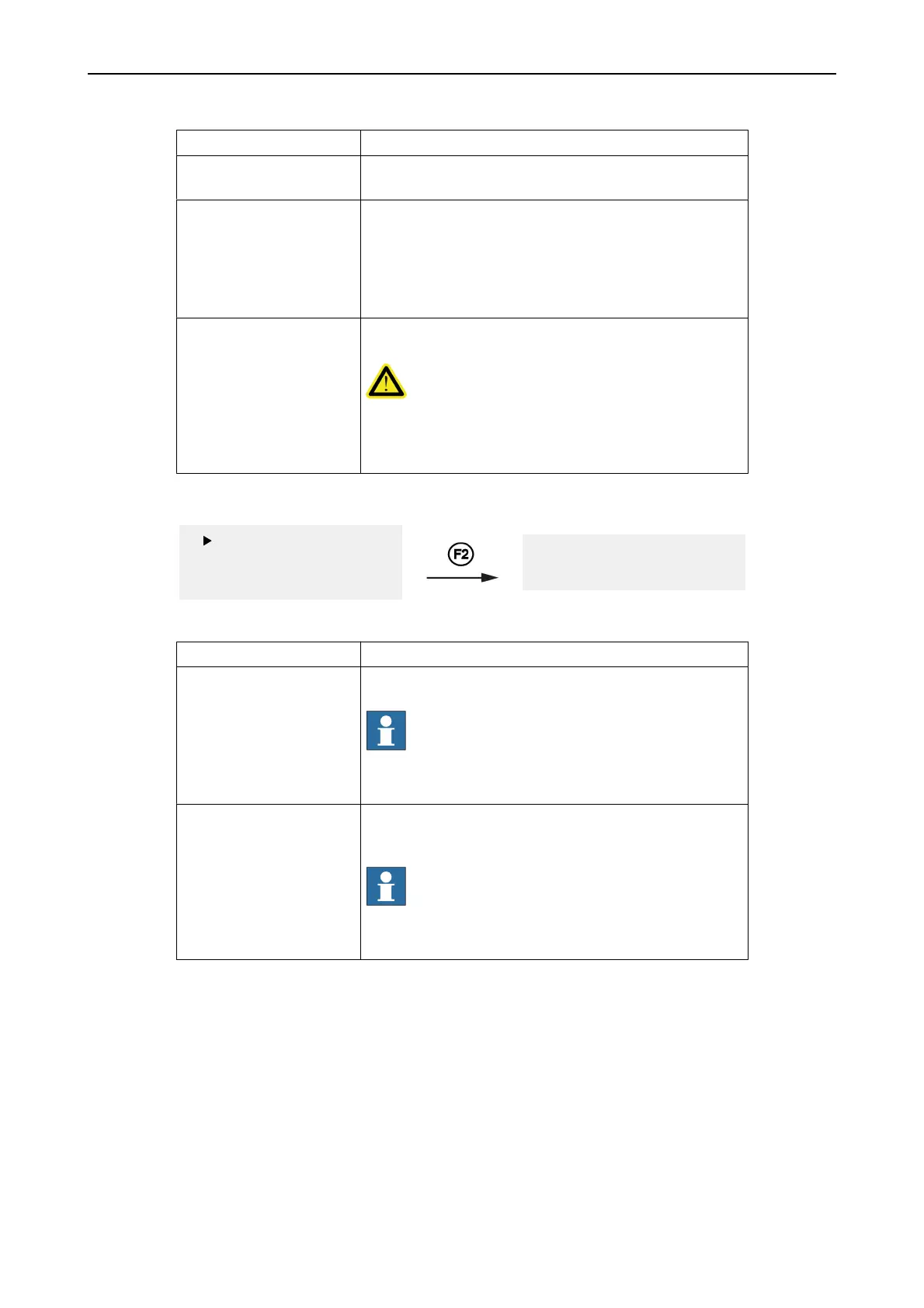
New disablement sub-menu
1 New disablement
2 Disable. list
3 Remove all
1 Zones
2 Det. & Call Points
Table 5. New disablement menu alternatives
Alternatives Description
1 Zones Disable entire zones permanent (or for a limited time period
set in the configuration program).
NOTE!
Disablements of something belonging to a
safety critical function is restricted to timer
disablement. This function requires at least
access level 2B.
2 Detectors & Manual Call
Points
Disable individual detectors or manual call points permanent
(or for a limited time period set in the configuration
program).
NOTE!
Disablements of something belonging to a
safety critical function is restricted to timer
disablement. This function requires at least
access level 2B.
See also chapter Disablements for more information about the disablements.



 To Next Page