11
Electronic
clock
The electronic clock can be operated with one hand;
after pressing the button, set the time with the rotary
knob. Settings can be made for as long as the
function display flashes (~ 4 seconds).
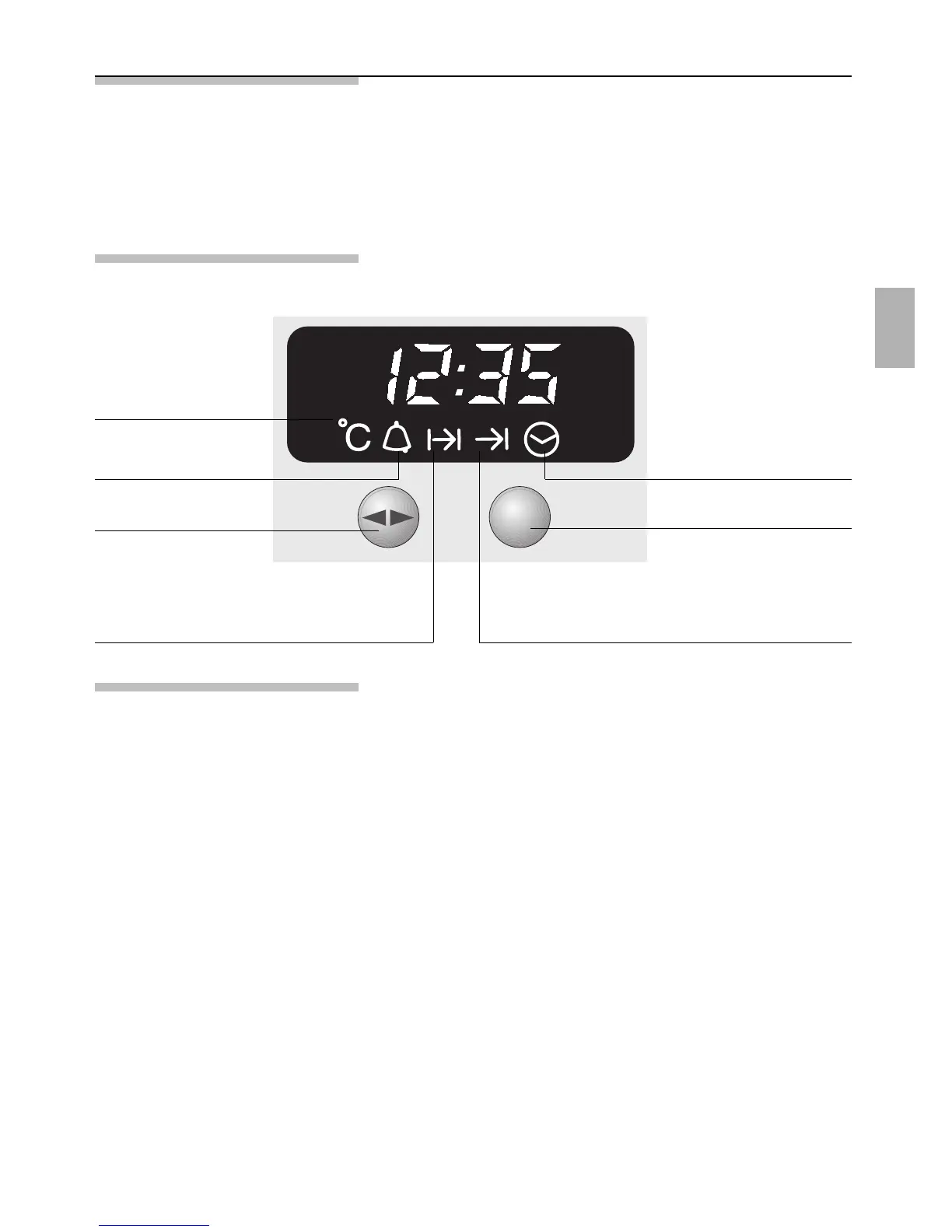
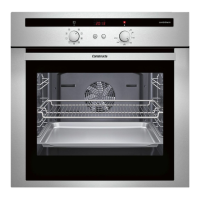
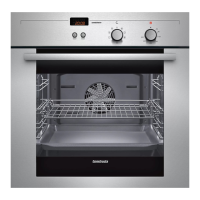
The control panel
Minute timer
Current oven
temperature
ON time OFF time
Rotary knob
– to engage and
disengage,
depress gently.
Time of day
Function selector
Special functions
Masking out the display
1.
Press the > button for 7 seconds.
After this, the display dims, the time and the
display continue running in the background.
2. To switch on the display, briefly press the >
button.
Rapid Heating Rapid heating can be set using the s button (see
section ”Switching the Oven ON and OFF”.
Setting the time See the section ”Before using your appliance for the
first time”.
Dimming the display Between 22.00 and 6.00, the display is automatically
dimmed.


 To Next Page