39
HydroClean
®
The oven cleaning function featured in your oven is
cleaning system
d
intended to keep your oven neat and tidy. Through
automatically controlled vaporisation of cleaning
solution, the combined effects of heat and steam
soften the dirt deposits on the oven wall enamel and
facilitate their removal.
Caution:
The cleaning system can only be used after the oven
has completely cooled (room temperature).
Use normal water only, and no distilled water.
Switching oven cleaning system ON:
1. Remove the baking sheet and the universal pan
from the oven. The baking grille may remain in the
oven.
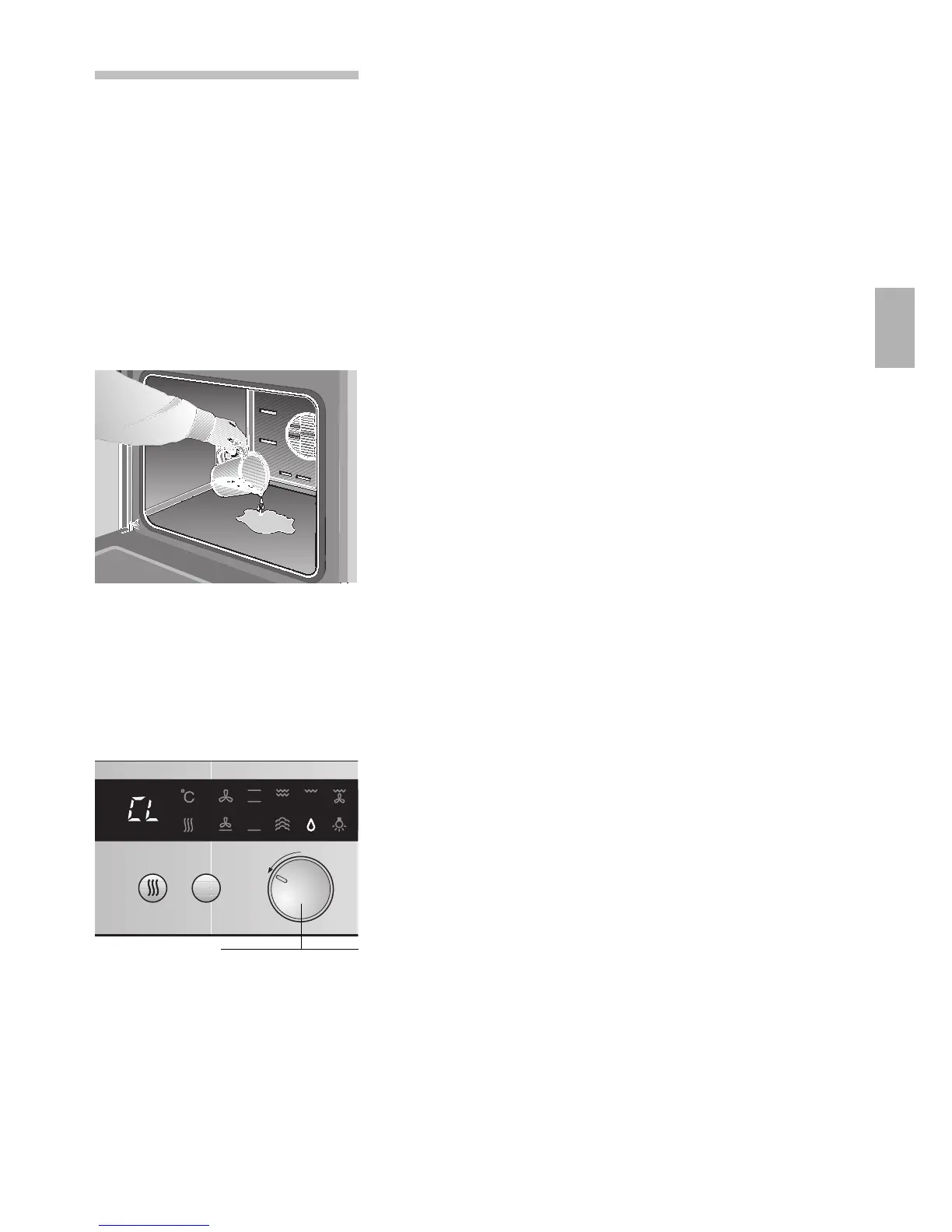
2. Pour approx. 400ml of water mixed with a little
dishwashing detergent into the floor tub of the
oven.
In case of a lot of dirt, you may wish to allow the
cleaning solution to soak in for a while before
switching the oven on.
3. Close the oven door.
Caution:
The cleaning system can only be used after the
oven has completely cooled.
4. Turn the function selector to d.
The
d indicator light and the ; indicator light for
the oven temperature light up.
l
appears in the display. When
l
flashes, the
oven has not cooled down completely.
After the warm up has ended (4 minutes), the
indicator light for the oven temperature light no
longer lights up. After a further 17 minutes, the
cleaning system ends and an acoustic signal is
emitted.
Switching oven cleaning system OFF:
Turn the function selector to the
0 position.
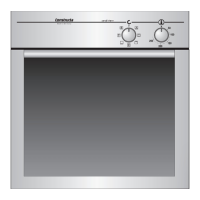
Function selector


 To Next Page