35
Using the steam
cooking setting
Caution Can be operated with the system steam cooker
only (option available from specialist dealers).
Do not use the steam cooking setting until the oven
has completely cooled down completely
(room temperature).
As a heating system, only select
%.
Other settings are not permitted.
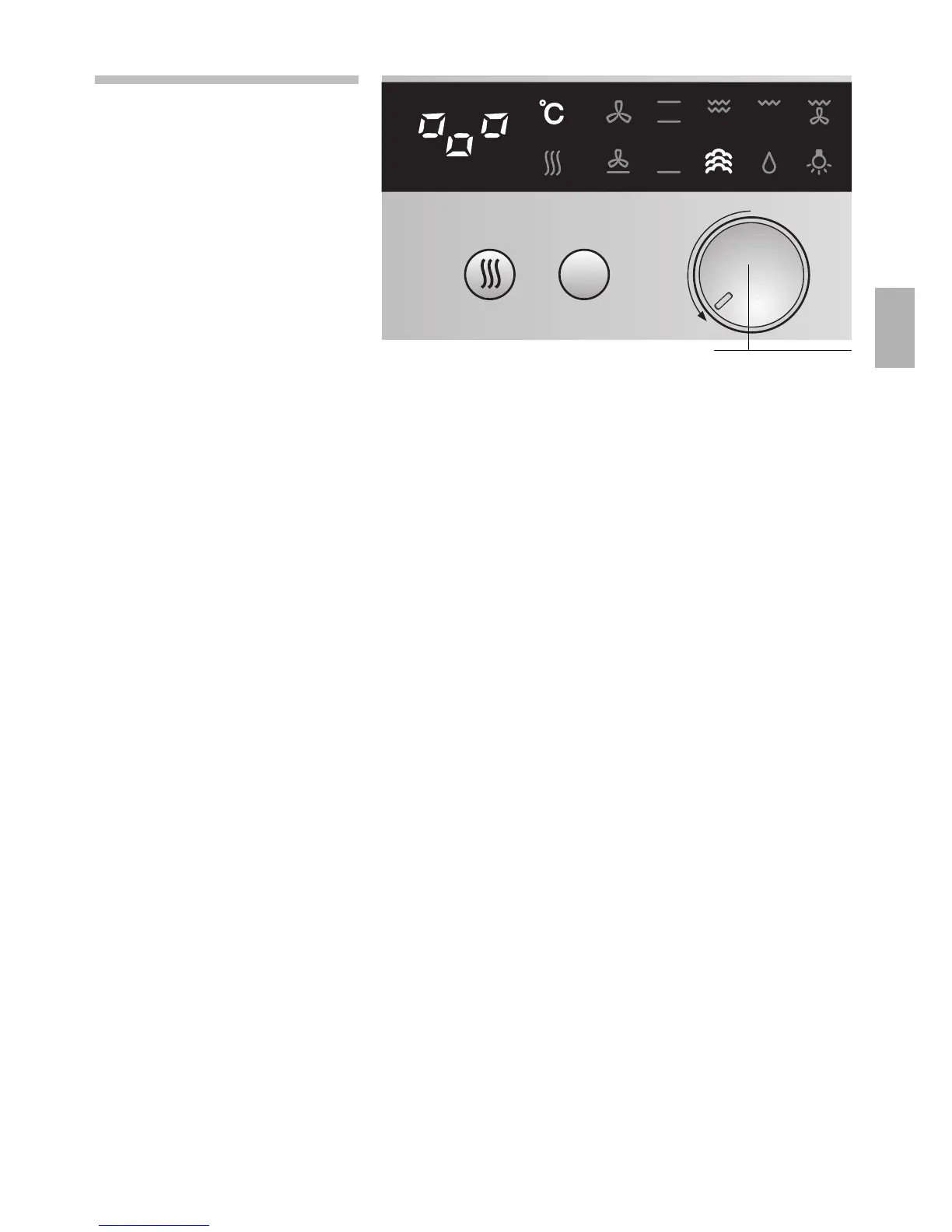
1. Turn the function selector to the % setting.
The indicator light % lights up and
2
appears
in the display.
2. The steam cooking process is now regulated
automatically.
Note If
2
flashes in the display, the oven has not
cooled down completely.
For further information, see the operating
instructions for the system steam cooker.
Function selector


 To Next Page