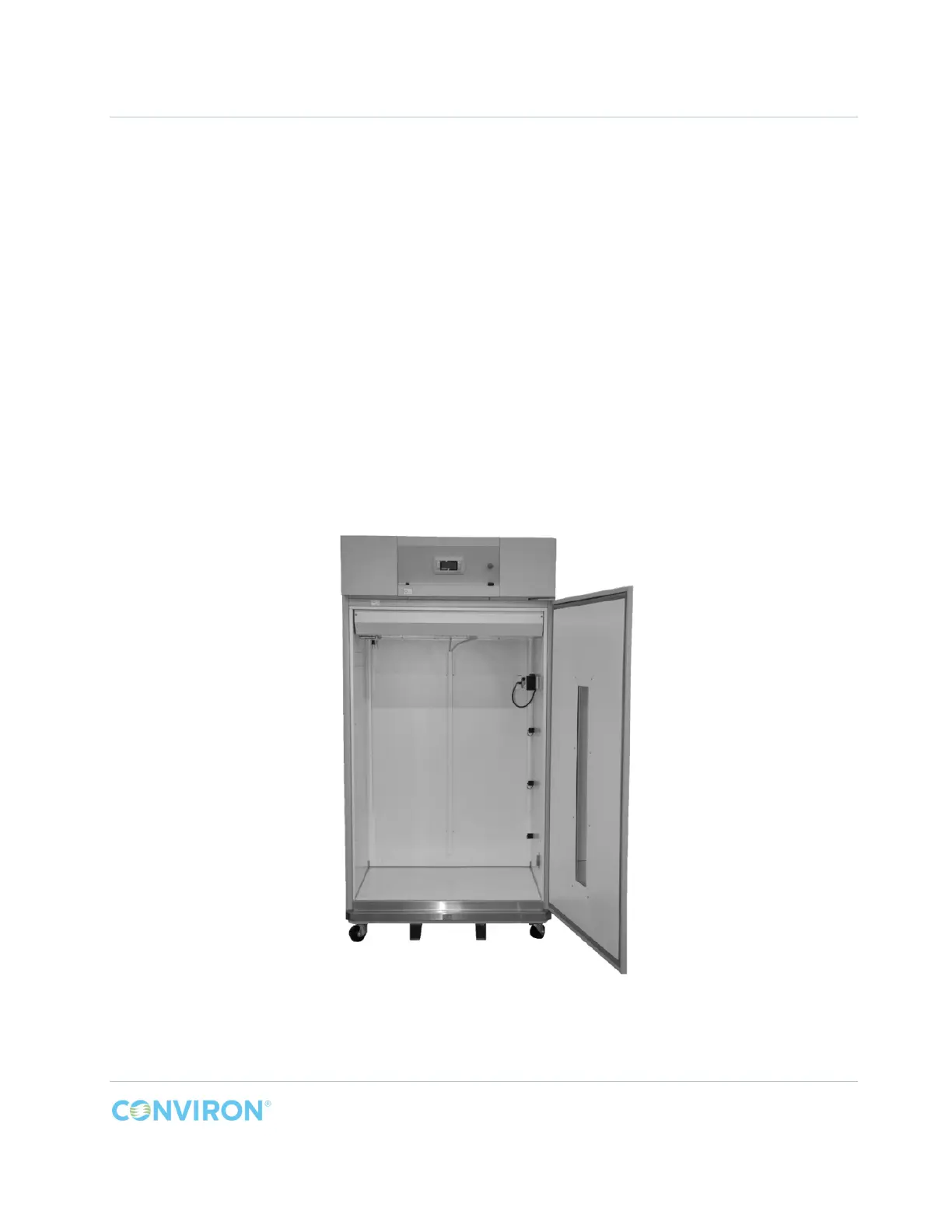
A1000 INSTALLATION, OPERATION, & MAINTENANCE MANUAL
February 2016 | 256574-ENG R01 2-1
2 KIT INSTALLATION
If the chamber has a kit installed, locate the installation instructions in this manual for that kit and
reverse the steps to remove the existing kit before proceeding with a new installation.
2.1 Preparation
Read and understand these instructions before proceeding with unpacking and installing the new
A1000 chamber.
The A1000 chambers are generally shipped in two crates – one for the chamber and another for
the kit. To avoid damage, keep the chamber crated until it is ready for placement within the facility.
Before moving the chamber to its final location, ensure there is enough clearance through
doorways, hallways, and elevators, and along the route to the installation site. You may need to
uncrate it before moving it. The door may be removed from the chamber if absolutely necessary.
Contact Conviron for door removal instructions.
Figure 2-1 Empty A1000 Chamber



 To Next Page