A1000 INSTALLATION, OPERATION, & MAINTENANCE MANUAL
February 2016 | 256574-ENG
R01 5-1
5 CHAMBER START-UP AND OPERATION
5.1 Start-up
Before starting the unit for the first time,
check the following:
The drip pan is installed.
The water line is connected.
The electrical cord is plugged into a
wall outlet.
The breaker, located in the machine
compartment is in the ON position.
The optional exhaust vent is
connected to the building HVAC
system or vented directly outside.
The optional LAN connection is in
place and configured.
Once these checks are complete, the
A1000 is now ready to operate.
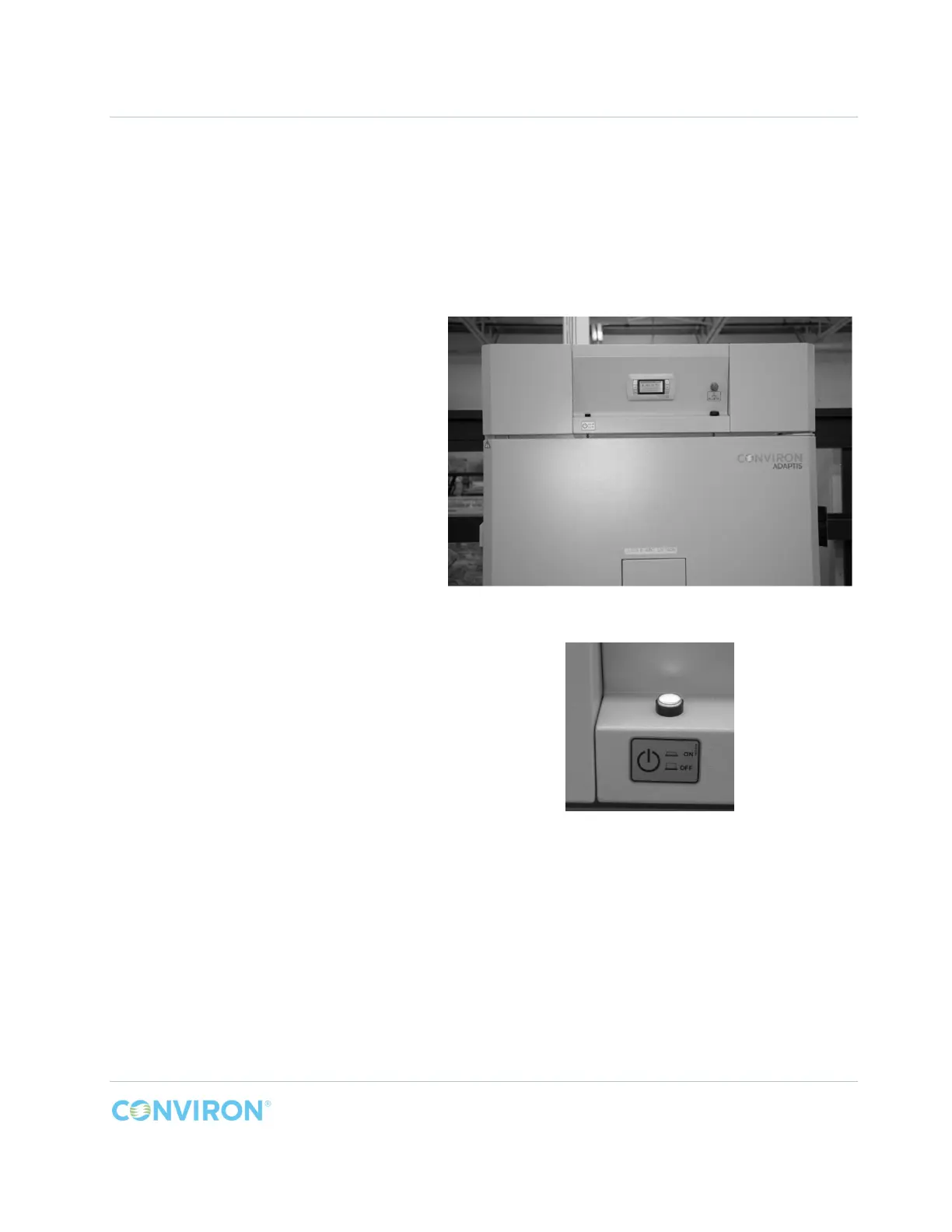
The main power switch is located on the
left hand side of the unit above the door.
The switch is backlit and turns red when
the power is ON (Figure 5-1).
In a few seconds the Controller will boot
up.
The user now has to configure a few
parameters in the controller to tailor the
controller’s response to the specific model
being setup.
Refer to the included controller manual for
instructions to adjust these parameters.
Figure 5-1 Power ON



 To Next Page