A1000 INSTALLATION, OPERATION, & MAINTENANCE MANUAL
February 2016 | 256574-ENG R01 2-23
2.4.2.3 Installing the Wire Shelves
The shelves must be installed from the
bottom to the top. The lowest possible
position for the bottom shelf, Item F, is
above the bottom row of holes in the back
wall plenum, as shown in Figure 2-26.
To install the wire shelves:
1. Place the four (4) bottom shelf
supports, Item D into the slots in the
side wall by inserting the top part of
the clip into the desired slot and press
lightly on the bottom to snap it into
position.
2. Place the wire shelf without the lamp
supports, Item E, over the clips
(Figure 2-27).
3. Continue to install the rest of the shelf
supports in each side wall at the
desired height.
4. Place the wire shelf with the lamp
supports, Item F, over the clips.
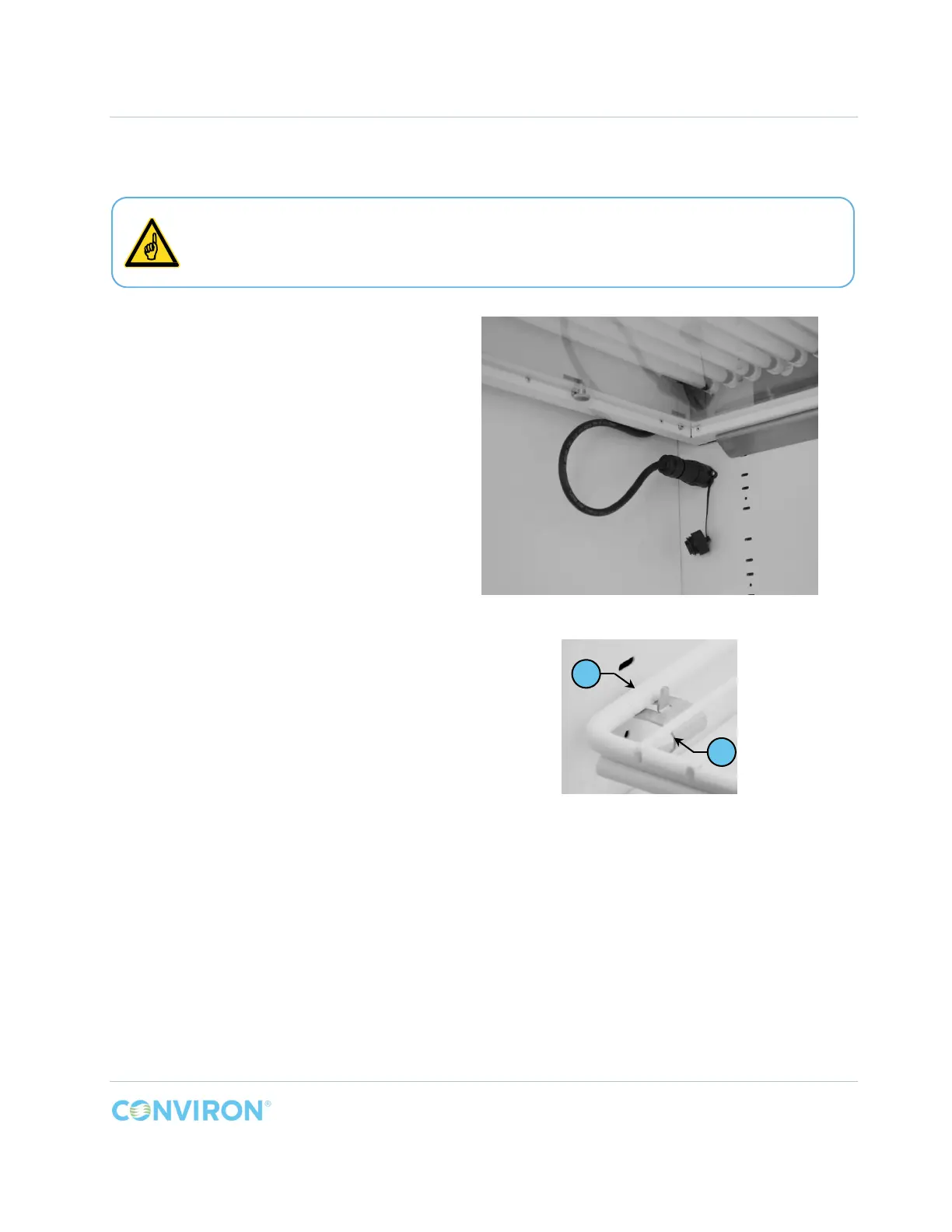
Figure 2-26 IN Bottom Shelf Installed
Figure 2-27 IN Wire Shelf Supports Detail
The wire shelf without the lamp supports must be installed at the bottom of the
chamber. The shelves with the lamp supports must be installed above the bottom
shelf.
D
E



 To Next Page