Kit Installation
2-30 February 2016 | 256574-ENG R01
To install the lamp canopy supports and lamp canopy:
1. Position the lamp canopy supports,
Item D, at the required location on
each side wall.
a. Install the support with the flat side
up by hooking the upper tab into
the slots. The flat side has an oval
hole in it to locate the canopy in
position.
b. Press lightly on the bottom side
snapping it into the corresponding
slot (approximately 1” [25 mm]
below the top one).
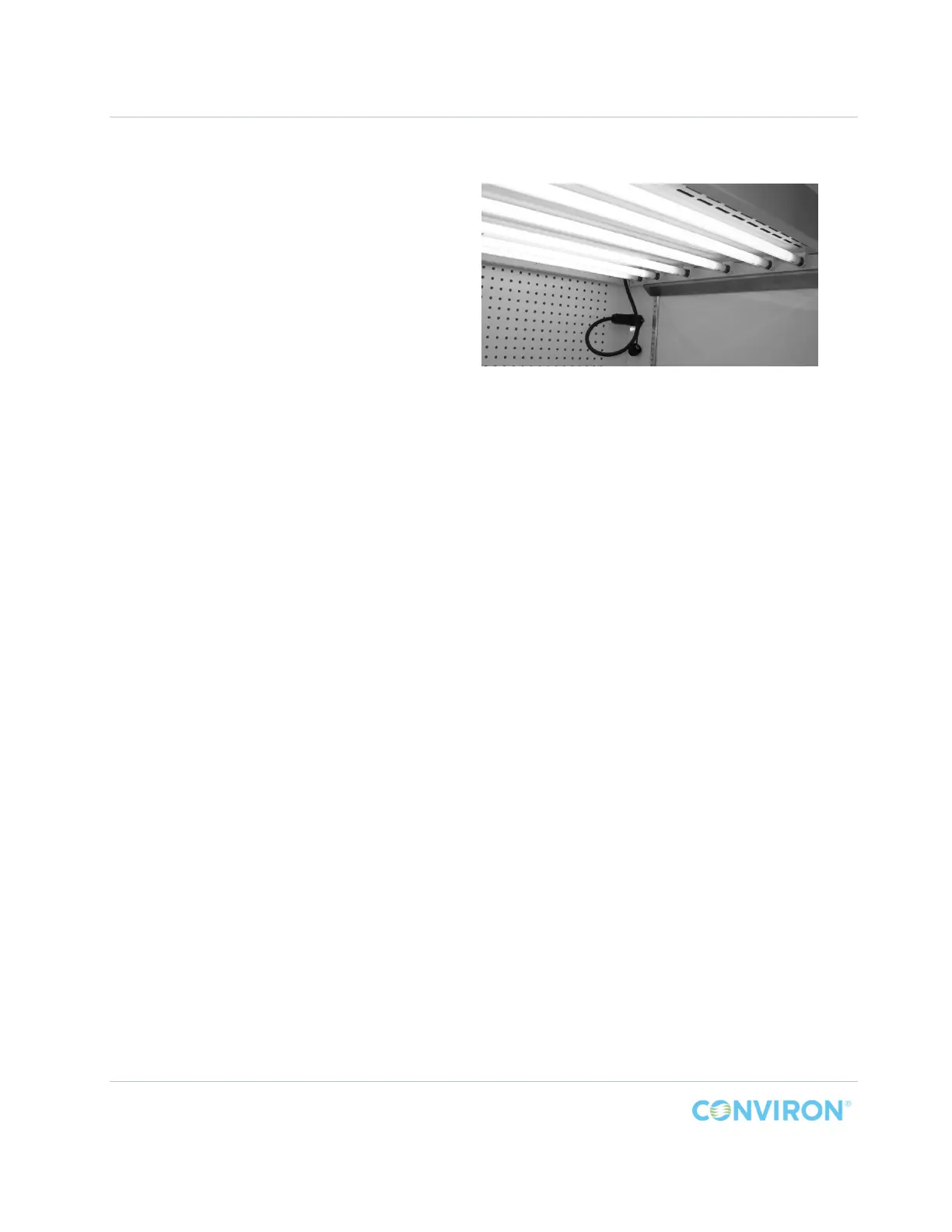
Figure 2-35 AR Lamp Canopy Installed
2. Carefully slide the canopy, Item E, onto the supports with the plug located on the right hand
side of the chamber.
3. Push the canopy towards the back of the chamber. The screw heads on the bottom of each
side of the canopy will slip into the center hole of the canopy support when the canopy is in
the correct position.
4. Continue to install the remaining supports and the other canopy, as required.
5. Remove the cap from the receptacle under the canopy support and connect the canopy plug
to the receptacle on the wall.



 To Next Page