A1000 INSTALLATION, OPERATION, & MAINTENANCE MANUAL
February 2016 | 256574-ENG R01 2-9
2.3 Plant Growth – PG Kit
Depending on order options, the chamber may be delivered with the kit installed. The kit is easy to
install using only a Phillips screwdriver.
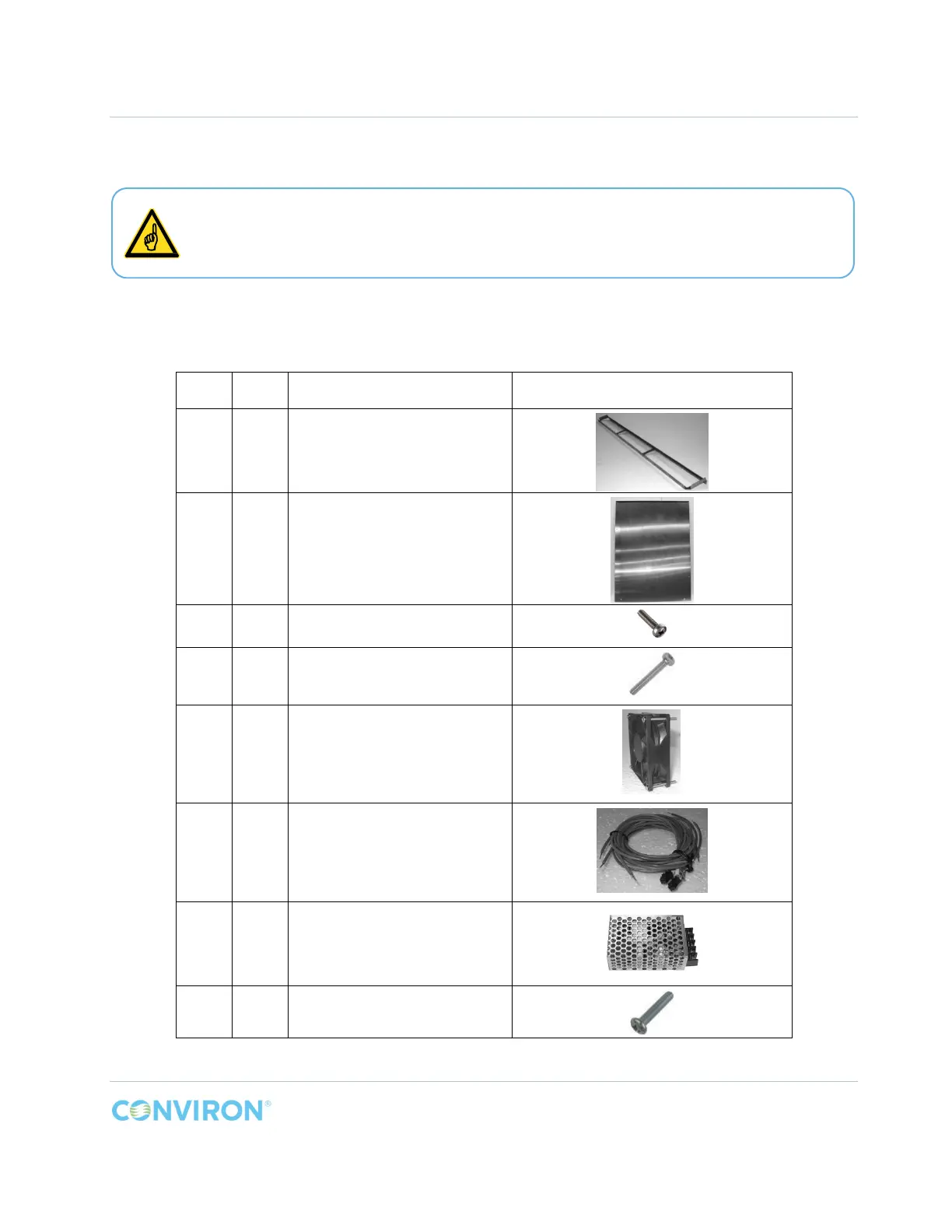
2.3.1 PG Kit Parts List
Item Qty. Description Photo
A 1
Back Wall Plenum Bottom
Support
B 1 Back Wall Plenum
C 24 Screw M4 x 8mm, Pan Head
D 8 Screw M3 x 40mm, Pan Head
E 2 Canopy Cooling Fan
F 2 Cooling Fan Wiring Harness
G 1 AC/DC Converter
H 2 Screw, M3 x 16mm, Pan Head
Ensure at least 4” (100mm) of free space around the exterior side walls of the
chamber to facilitate proper air circulation. Inadequate air circulation and cooling
inside the chamber will result if this space is not provided.



 To Next Page