A1000 INSTALLATION, OPERATION, & MAINTENANCE MANUAL
February 2016 | 256574-ENG R01 2-17
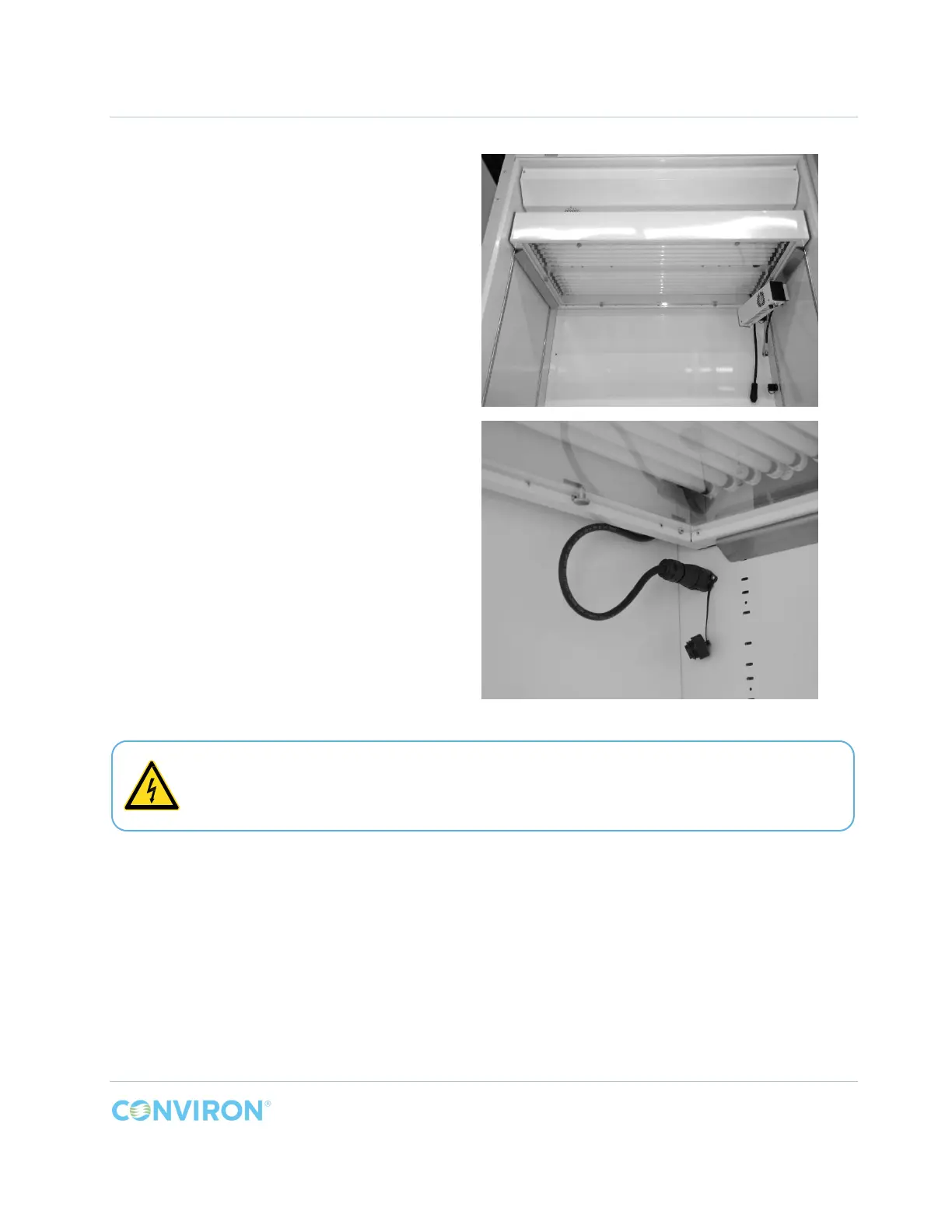
3. Push the canopy towards the back of
the chamber. The screw heads on the
bottom of each side of the canopy
(Figure 2-18) will slip into the center
hole of the canopy support when the
canopy is in the correct position.
4. Remove the cap from the receptacle
under the canopy support and
connect the canopy plug to the
receptacle on the wall (Figure 2-19).
Figure 2-19 PG Lamp Canopy Plug Connection
Keep all unused receptacles capped to prevent an electric shock hazard. Only the top
receptacle is used with this kit.



 To Next Page