83
Page
WORKSHOP
MANUAL
We reserve the right to modify the product and the design.
MAINTENANCE
ADJUSTING THE CABLES
Accelerator cable
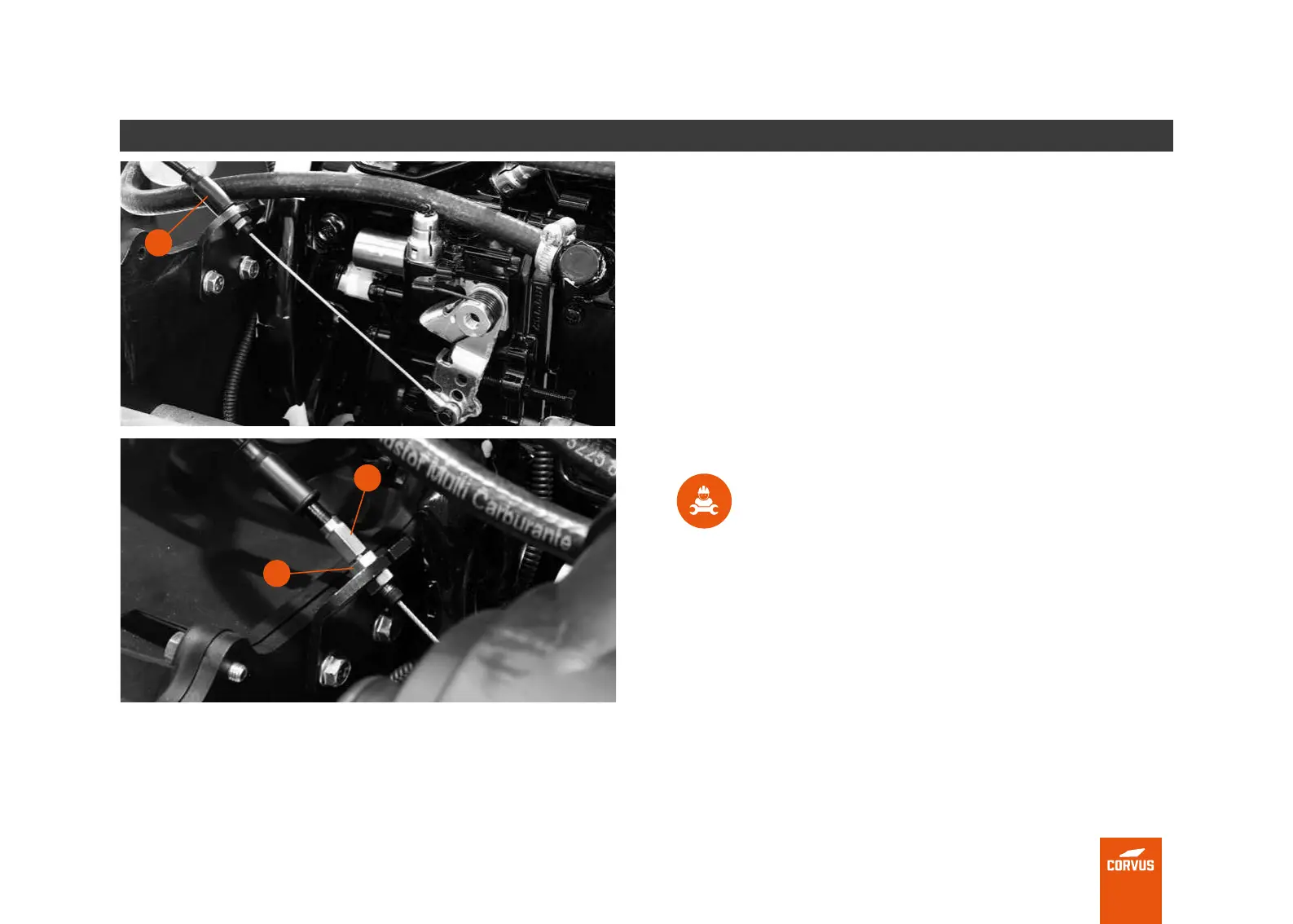
To adjust the play of the accelerator cable, follow this procedure.
1. Remove the cable sheath (1).
2. Use a wrench to loosen the nut (2).
3. Adjust from point (3) until the required play value is reached.
4. Then put the sheath back on.
TECHNICAL INFORMATION
Recommended play: 2-3 mm on the accelerator pedal.
Nut tightening torque: 12 Nm
2
3
1



 To Next Page