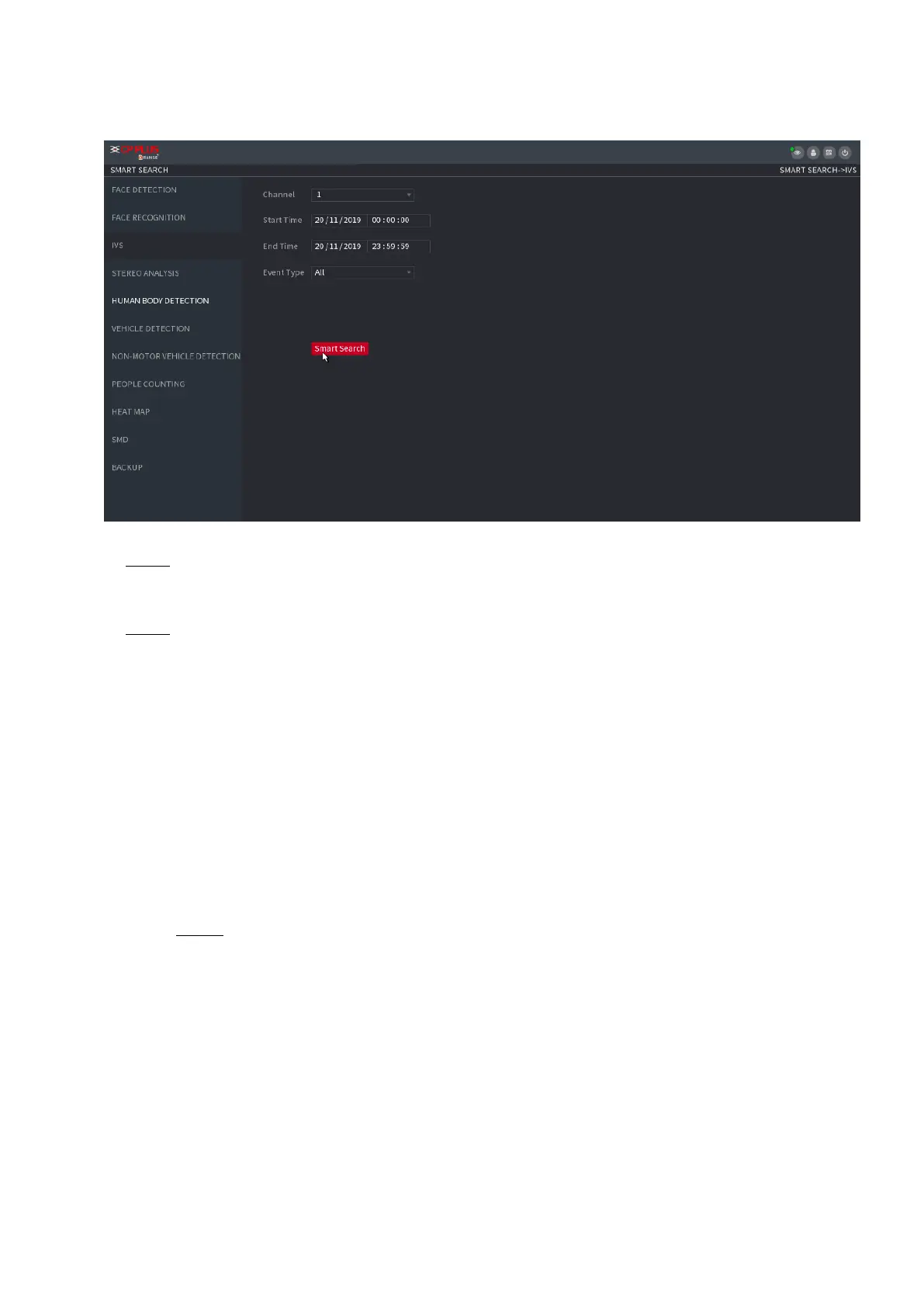
⚫ Figure 1-111
⚫ Step 2 Select a channel, start time, end time, event type, and then click Smart search, the search result is
displayed.
⚫ Step 3 Click the picture that you want to play back.
⚫ You can also do the following operations to the recorded files.
⚫ To back up the recorded files to the external storage device, select files, click
⚫ Backup select the save path and file type, and then click Start.
⚫ To lock the files to make it unable to be overwritten, select the files, and then click Lock.
⚫ To add a mark to the file, select the files and then click Add Mark.
⚫ Go to the Face Properties and Person Details to view detailed information.
1.7.1.4 Human Body Detection
You can search the human body and search the alarm record during the specified period.
Step 1 Select Main Menu > AI > SMART SEARCH > HUMAN BODY DETECTION.
The Human Body Detection interface is displayed. See Figure 1-112.



 To Next Page