⚫ Step 2 Click "+", device pops up interface to add network camera. Refer to "1.1.4.4 Registration" for
detailed information.
1.2.4 Image
⚫ You can set network camera parameters according to different environments. It is to get the best
video effect.
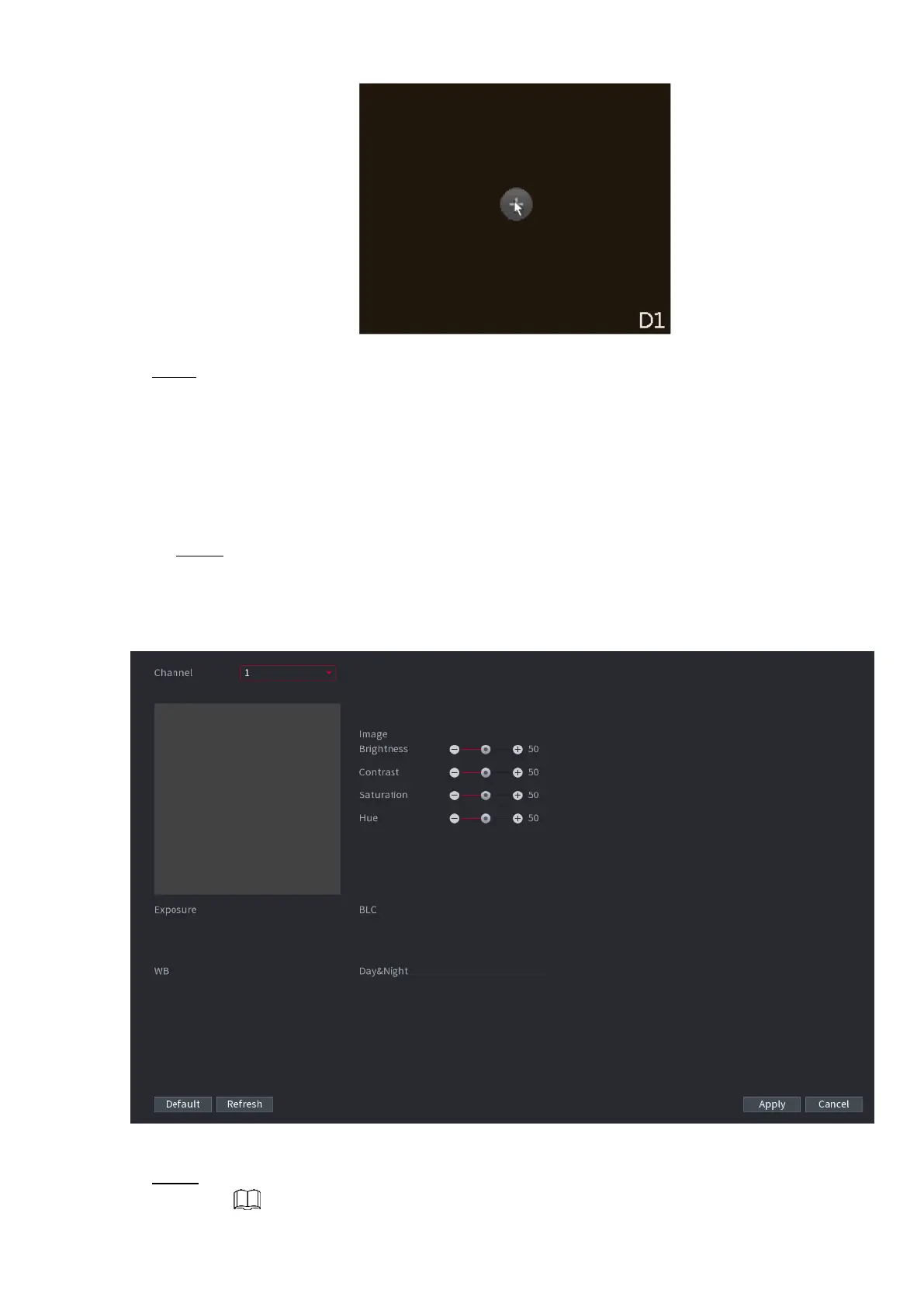
Step 1 Select Main Menu> CAMERA> IMAGE.
⚫ The IMAGE interface is displayed. See Figure 1-54.
⚫ Figure 1-54
⚫ Step 2 Configure parameters. See Table 1-11.



 To Next Page