1.2.1.3 IP Import
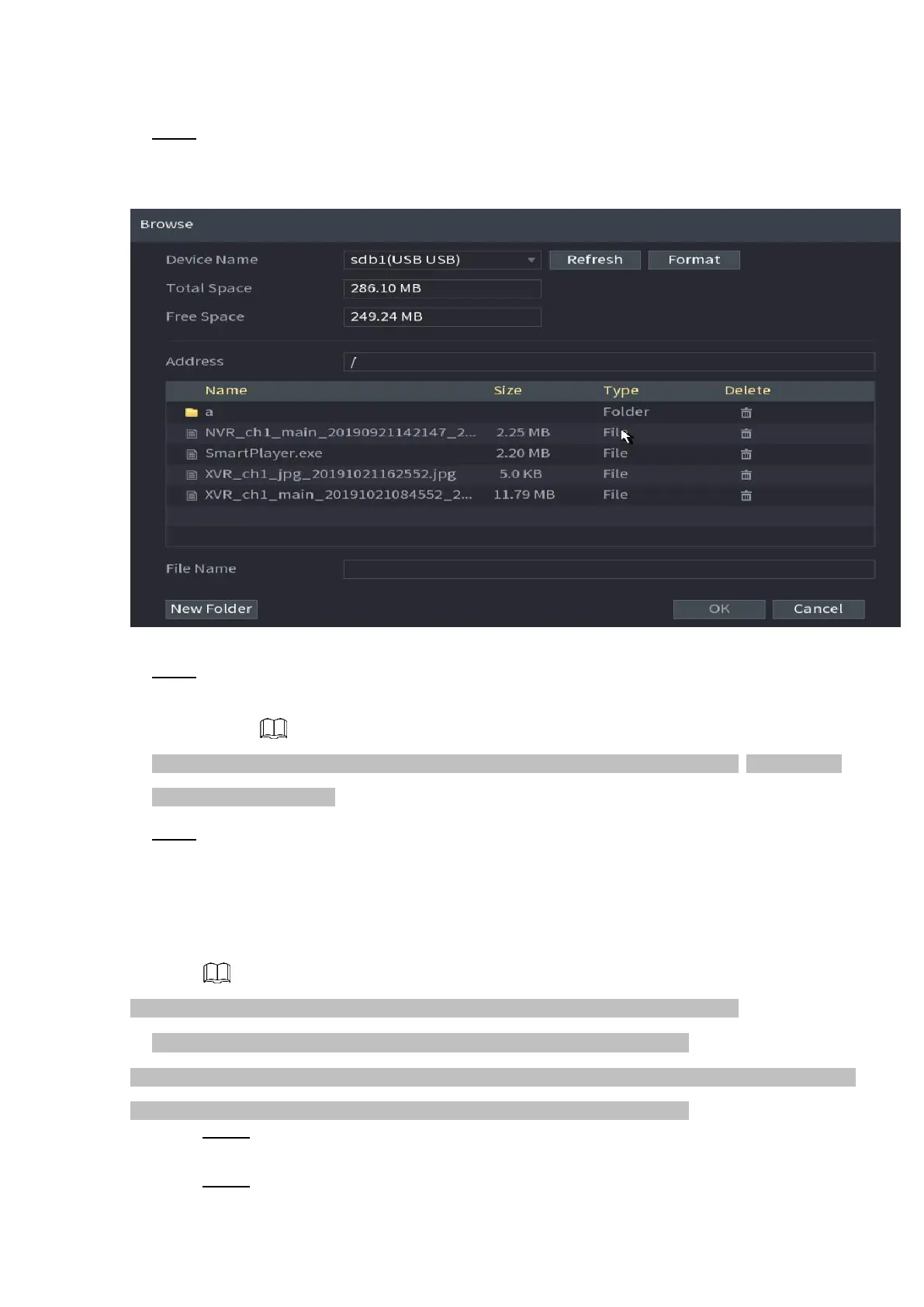
⚫ Step 1 Click Import button.
⚫ The Browse interface is displayed. See Figure 1-47.
⚫ Figure 1-47
⚫ Step 2 Go to Address to select the import file and then click the OK button.
⚫ System pops up a dialogue box to remind you successfully imported.
⚫ If the imported IP has conflicted with current added device, system pops up a dialogue box to remind
you. You have two options.
⚫ Step 3 Click OK button.
The imported information is on the Added Device list.
1.2.2 Remote Device Initialization
⚫ Remote device initialization can change remote device login password and IP address.
⚫ When connect a camera to the NVR via PoE port, NVR automatically initialize the camera.
⚫ The camera adopts NVR current password and email information by default.
⚫ When connect a camera to the NVR via PoE port after NVR upgraded to the new version, the NVR may fail
to initialize the camera. Go to the Registration interface to initialize the camera.
Step 1 Select Main Menu > CAMERA > Camera Registration.
The Camera Registration interface is displayed.
Step 2 Click Device Search and then click Uninitialized.
⚫ Device displays camera(s) to be initialized.



 To Next Page