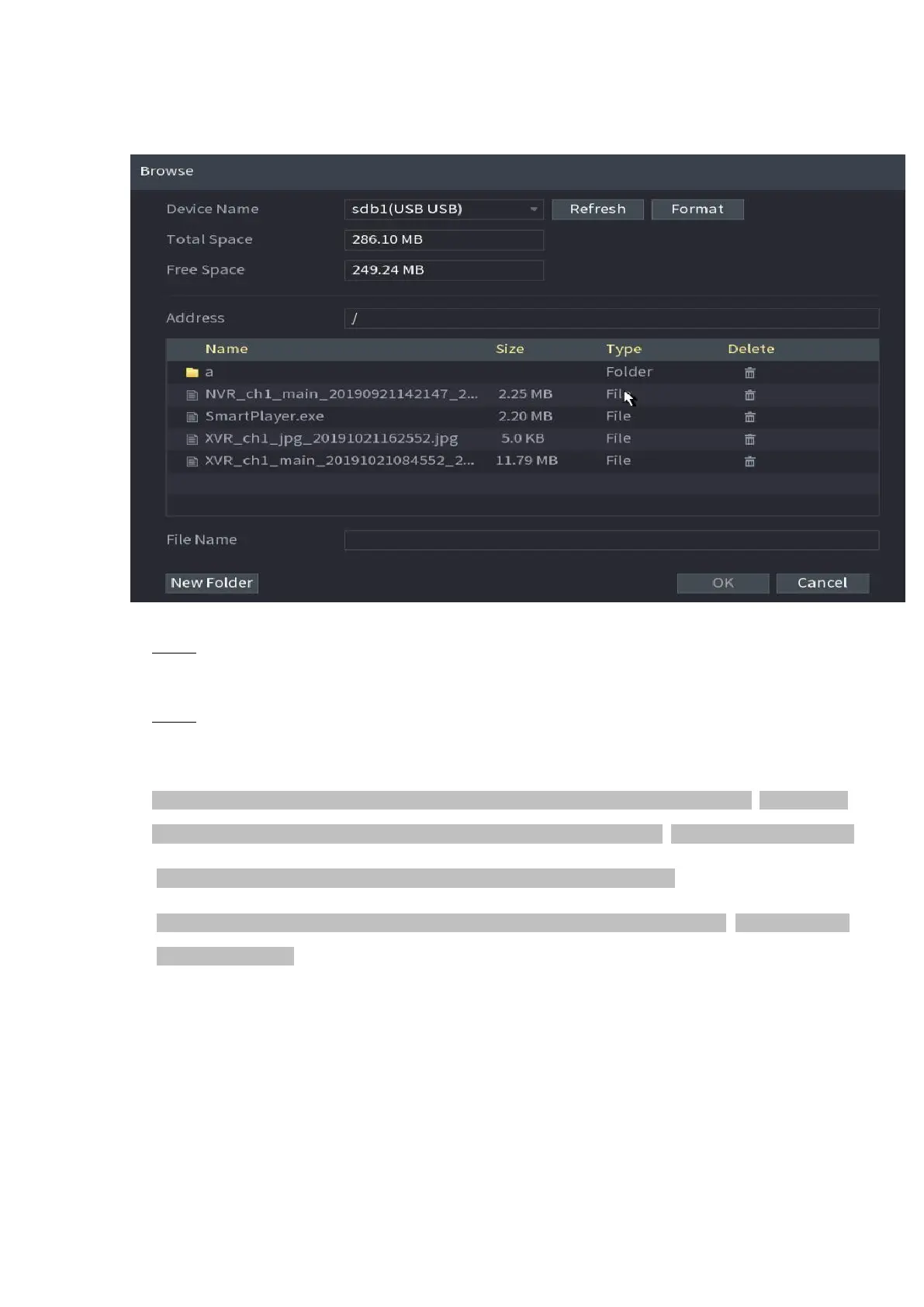
⚫ Figure 1-46
⚫
⚫ Step 2 Select Address to save export file.
⚫
⚫ Step 3 Click the OK button.
⚫ Device pops up a dialogue box to remind you successfully exported.
⚫ When exporting IP address, the File Backup Encryption check box is checked by default. The
file information includes IP address, port, channel number, manufacturer, user name, and password.
⚫ If you select the File Backup Encryption check box, the file format is. backup.
⚫ If you clear the File Backup Encryption check box, the file format is .csv. In this case, there might be a
risk of data leakage.
⚫



 To Next Page