⚫ Step 2 Modify a channel name.
⚫ You can only change the camera connected via the private protocol.
⚫ The channel name supports 63 English characters. Step 3 Click Apply.
1.2.7 Remote Upgrade
⚫ You can upgrade the connected network camera firmware. It includes online upgrade and file upgrade.
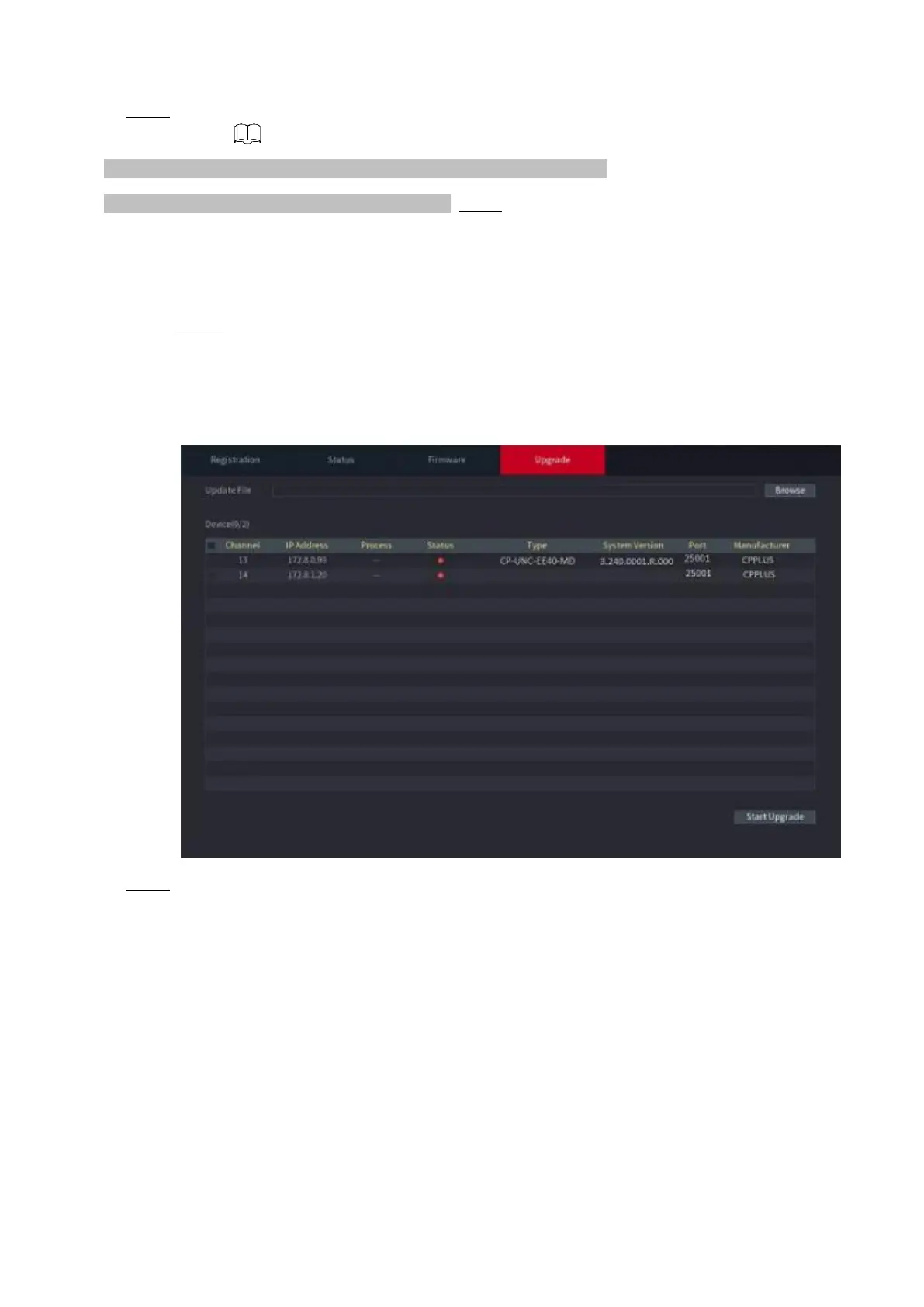
Step 1 Select Main Menu > CAMERA > REGISTRATION > Upgrade.
⚫ The Upgrade interface is displayed. See Figure 1-59.
⚫ Figure 1-59
⚫ Step 2 Update the firmware of the connected remote device.
⚫ Online Upgrade
1) Select a remote device and then click the Detect button on the right side, or check a box to select a remote
device and then click Manual Check.
⚫ System detects the new version on the cloud.
2) Select a remote device that has new version and then click online upgrade.
⚫ After successful operation, system pops up upgrade successful dialogue box.
⚫ File upgrade
1) Select a channel and then click File Upgrade.



 To Next Page