1.3.3 Preview Control Interface
⚫ Figure 1-64
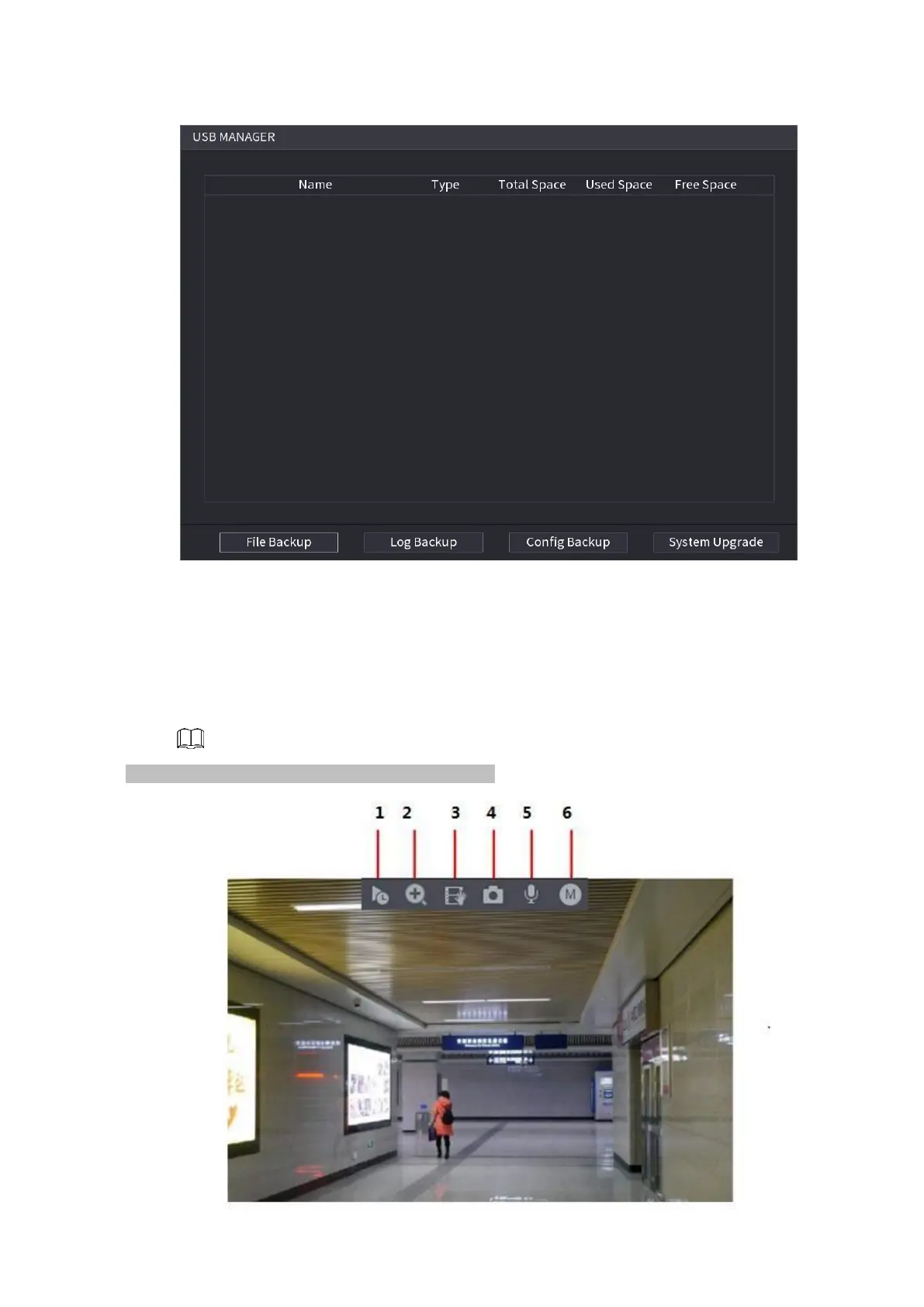
⚫ Move your mouse to the top center of the video of current channel; you can see system pops up the preview
control interface. See Figure 4-65. If your mouse stays in this area for more than 6 seconds and has no
operation, the control bar automatically hides.
⚫ Slight difference may be found on the user interface.
⚫ Figure 1-65



 To Next Page