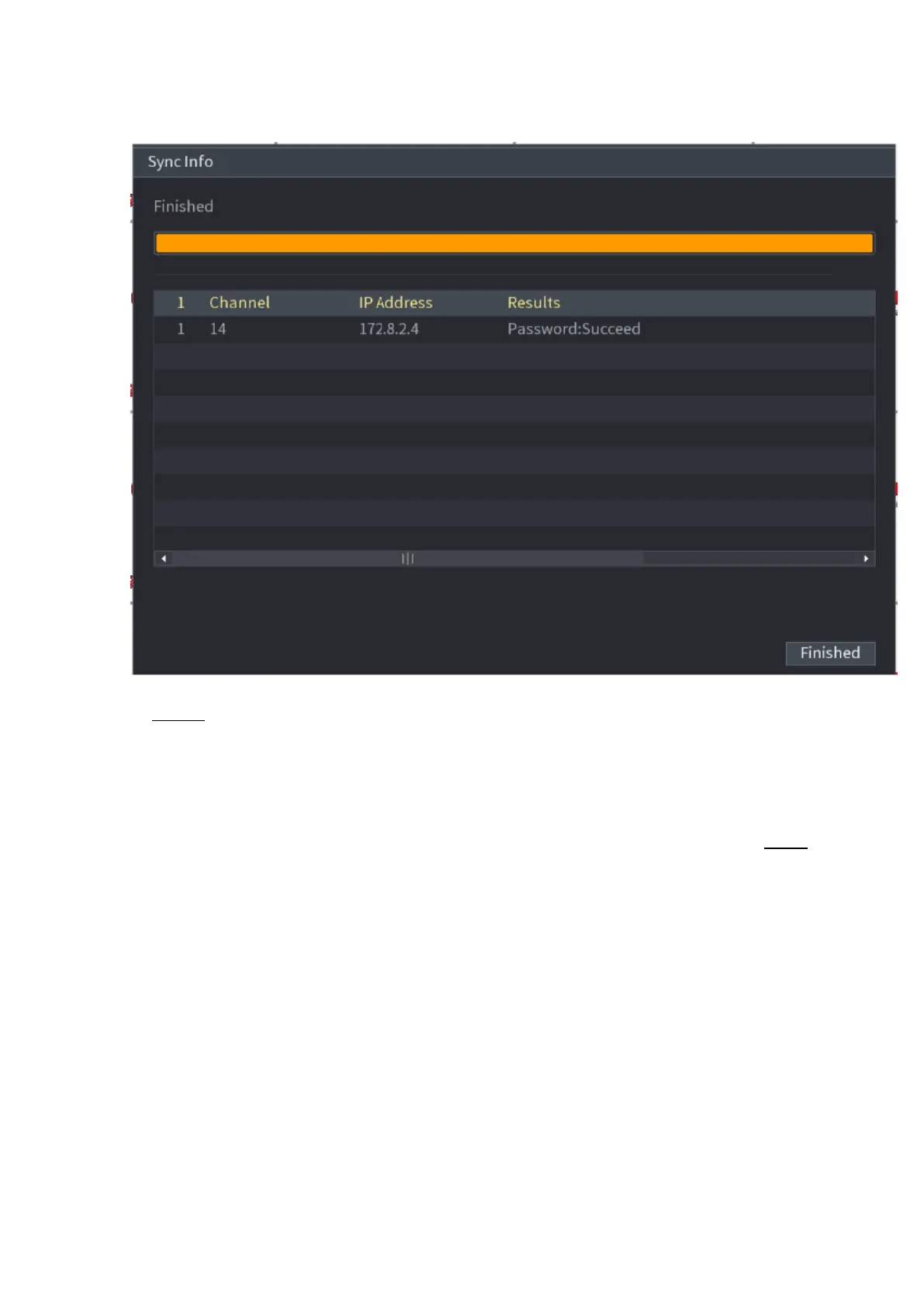
⚫ Figure 1-52
⚫ Step 10 Click Finished to complete the setup.
⚫
1.2.3 Short-Cut Menu to Register Camera
⚫ If you have not registered a remote device to a channel, go to the preview interface to add. Step 1 On
the Preview interface, Move your mouse to window.
⚫ There is an icon "+ " on the channel window. See Figure 1-53.
⚫ Figure 1-53



 To Next Page