1.19 Audio
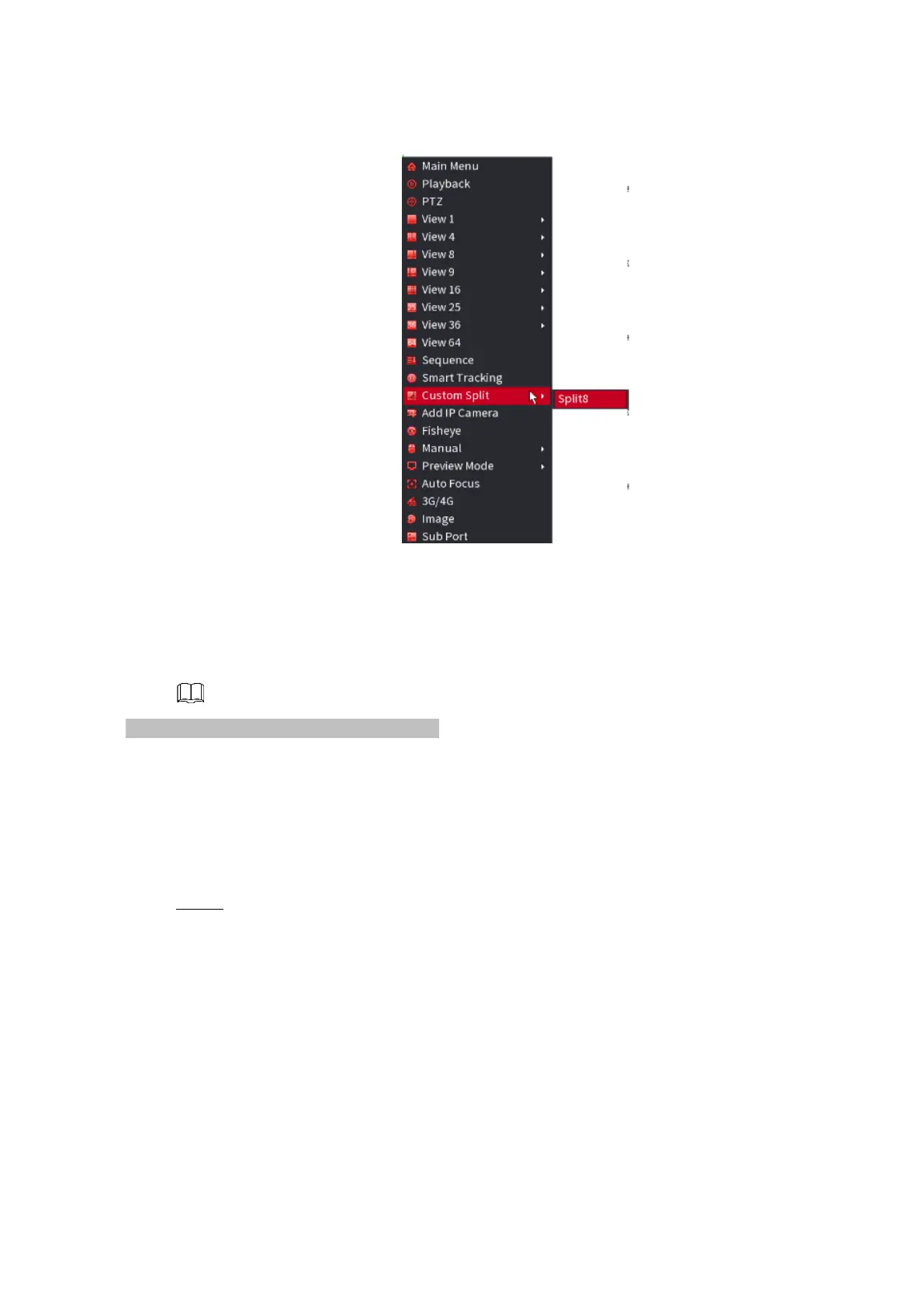
⚫ Figure 1-251
⚫
⚫ The audio function is to manage audio files and set schedule play function. It is to realize audio broadcast
activation function.
⚫ This function is for some series product only.
⚫
1.17.1 File Manage
⚫ You can add audio files, listen to audio files, rename and delete audio files, and configure the audio
volume.
Step 1 Select Main Menu > VOICE>File Manager
The File Manager interface is displayed. See Figure 1-252.



 To Next Page