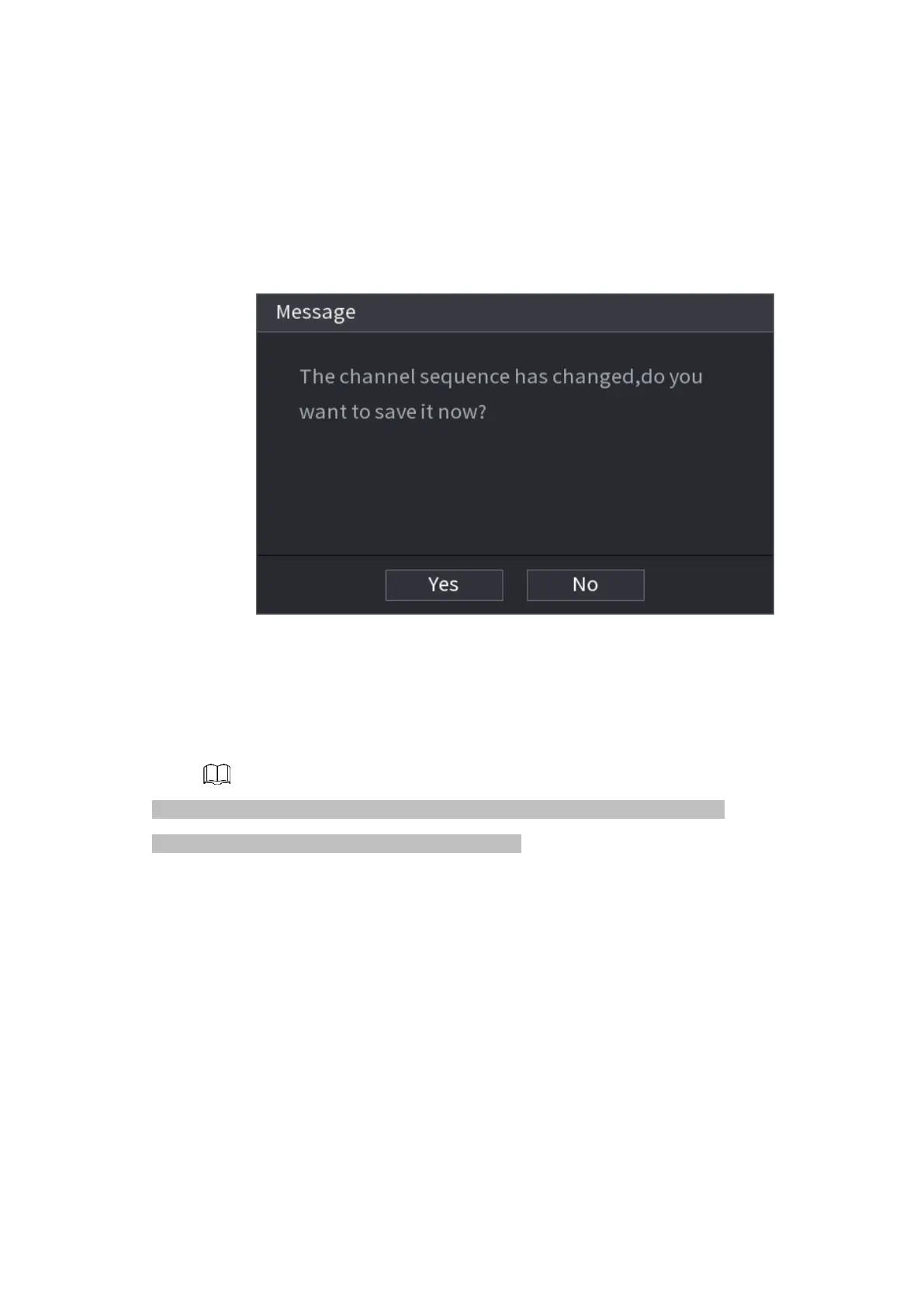
⚫ After you change the channel sequence, click Cancel button or right click mouse, device pops up the
dialogue box. See Figure 1-72.
⚫ Click OK to save current settings.
⚫ Click No to exit without saving the settings.
⚫ Figure 1-72
1.3.5 Test Temperature
⚫ When connecting to the front-end device that supports temperature detection, system can
display instant temperature.
⚫ This function may collect the human temperature in the surveillance video, be careful!
⚫ This function is for some series products only.
Preparations
⚫ Refer to "1.16.1 Display" to enable test temperature function.
⚫ On the preview window, click any position on the thermal channel video. The interface is shown as
below. See Figure 1-76.
1.4 PTZ
⚫ PTZ is a mechanical platform that carries a camera and a protective cover and performs overall
control remotely. A PTZ can move in both horizontal and vertical direction to provide all-around



 To Next Page