view to the camera.
⚫ Before you control the PTZ, make sure the PTZ decoder and the NVR network connection is OK.
1.4.1 PTZ Settings
⚫ You can set different PTZ parameters for local type and remote type. Before you use local PTZ,
make sure you have set PTZ protocol; otherwise you cannot control the local PTZ.
⚫ Local: The PTZ device connects to the NVR via the cable.
⚫ Remote: The PTZ device connects to the NVR via the network.
This function is for some series
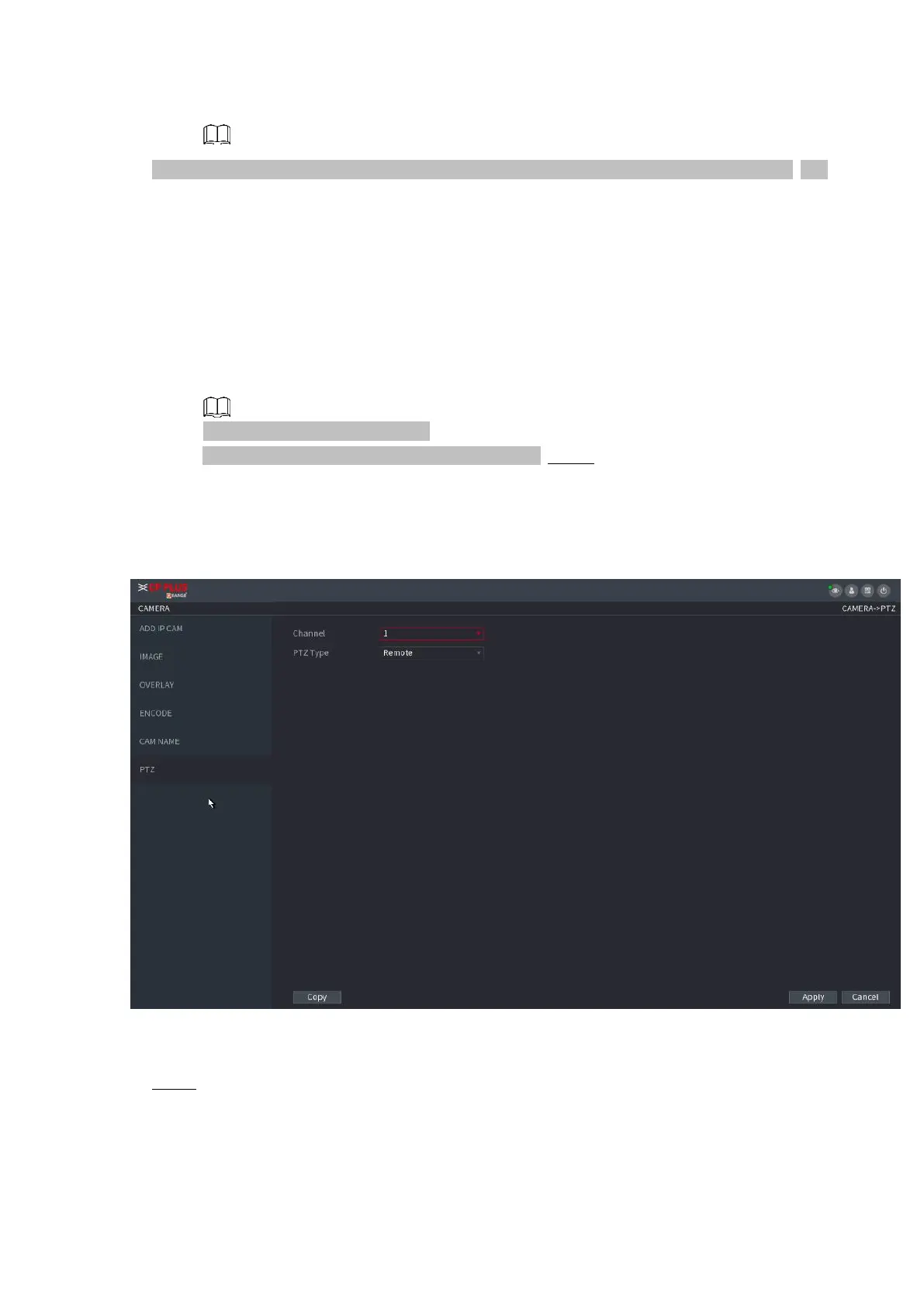
products only. Step 1 Select Main menu > CAMERA > PTZ.
⚫ Step1. The PTZ interface is displayed. Figure 1-82(Remote).
⚫ Figure 1-82
⚫ Step 2 Configure parameters. See Table 1-20.
⚫
⚫
⚫



 To Next Page